
文章目录
搭建Hexo静态博客
介绍
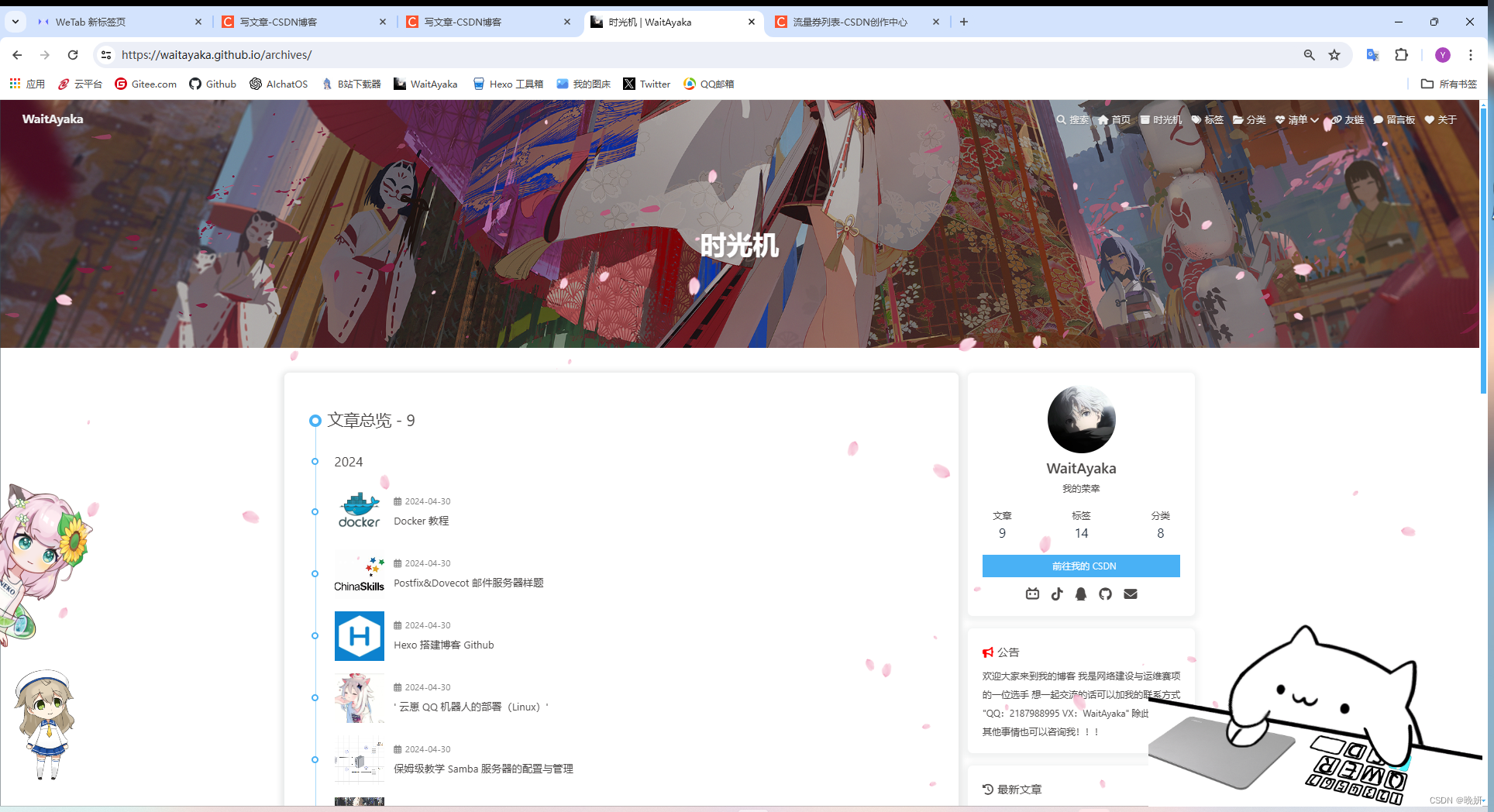
老久没更新了 做这一篇博客的初衷也是想曝光我的网站 下面是地址 欢迎大家赏脸访问(可能比较卡)
- 然后网站里面也有很多这里没有的文章 大家也可以去看一看
一、注册Github账号
视频教程点击我
二、 安装前置软件包
- Git https://git-scm.com/download/win
- VSCode https://code.visualstudio.com/
- Typora
- Node.JS https://nodejs.org/en
三、 绑定github仓库
创建SSH私钥
- 打开Git Bash输入
git config --global user.name "你的Github用户名"git config --global user.email "你的邮箱"
- 创建SSH私钥
$ ssh-keygen -t rsa -C"[email protected]"## 输入自己的邮箱
Generating public/private rsa key pair. //以下选项都回车 什么都不用输入
Enter fileinwhich to save the key (/c/Users/21879/.ssh/id_rsa):
Enter passphrase (empty for no passphrase):
Enter same passphrase again:
Your identification has been saved in /c/Users/21879/.ssh/id_rsa
Your public key has been saved in /c/Users/21879/.ssh/id_rsa.pub
The key fingerprint is:
SHA256:i++Oohyq3eWhzqArA4Z0WuEVD2qUwBz8+gB40JG6zPA [email protected]
The key's randomart image is:
+---[RSA 3072]----+
|++++.o.          ||.++o..o          ||.oooo  .||=.o=||B+=     S        ||+BE    ..||o =   + .||o= *.+ +         ||Bo+o=.oo+        |
+----[SHA256]-----+
- 查看保存ssh密钥的文件夹
一般都在C:\Users\你的用户\.ssh
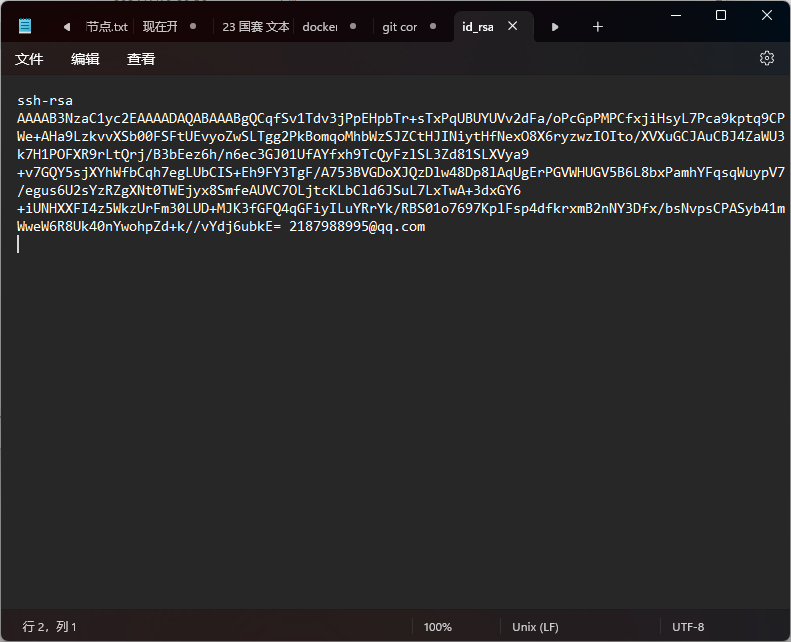
添加私钥
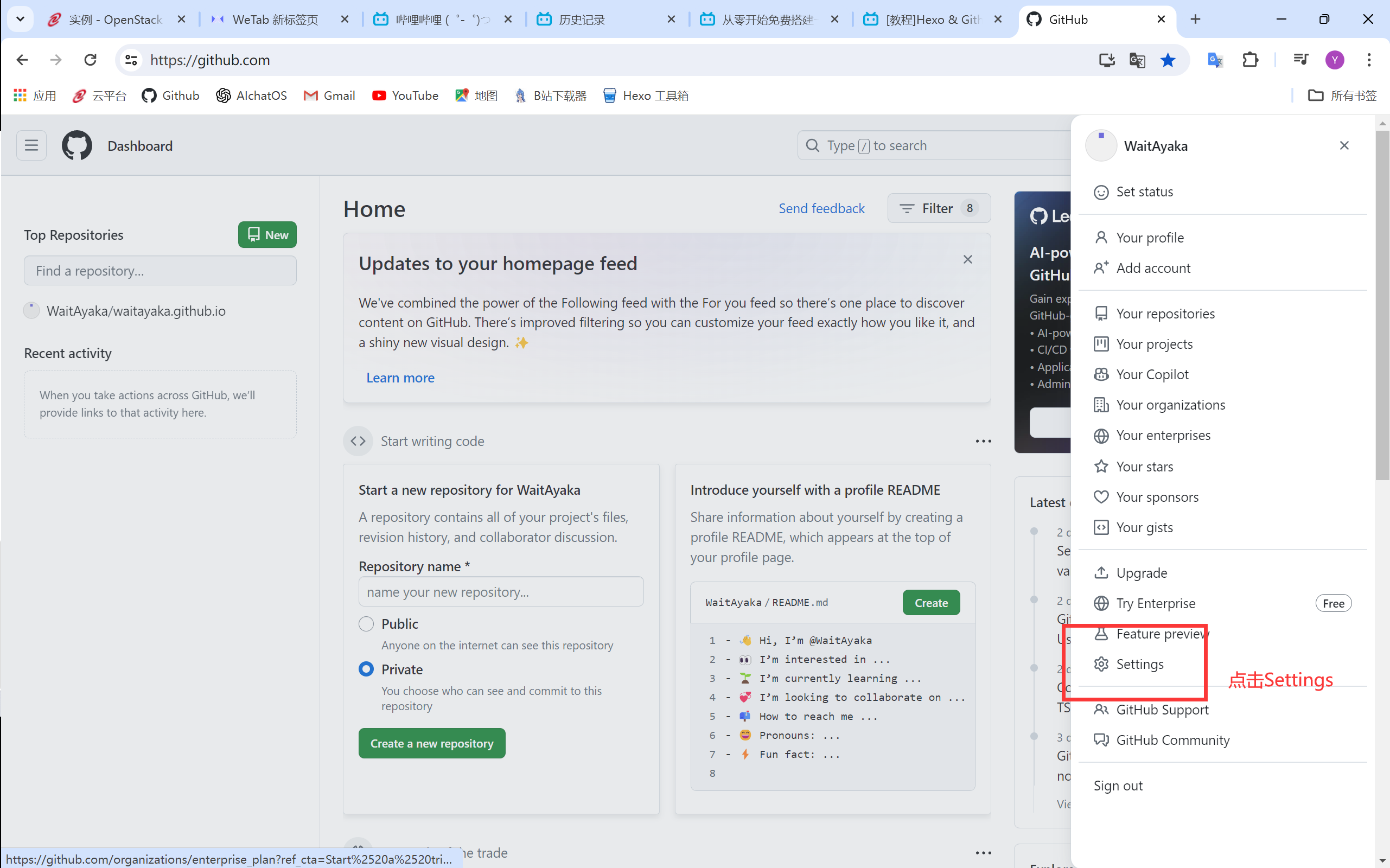
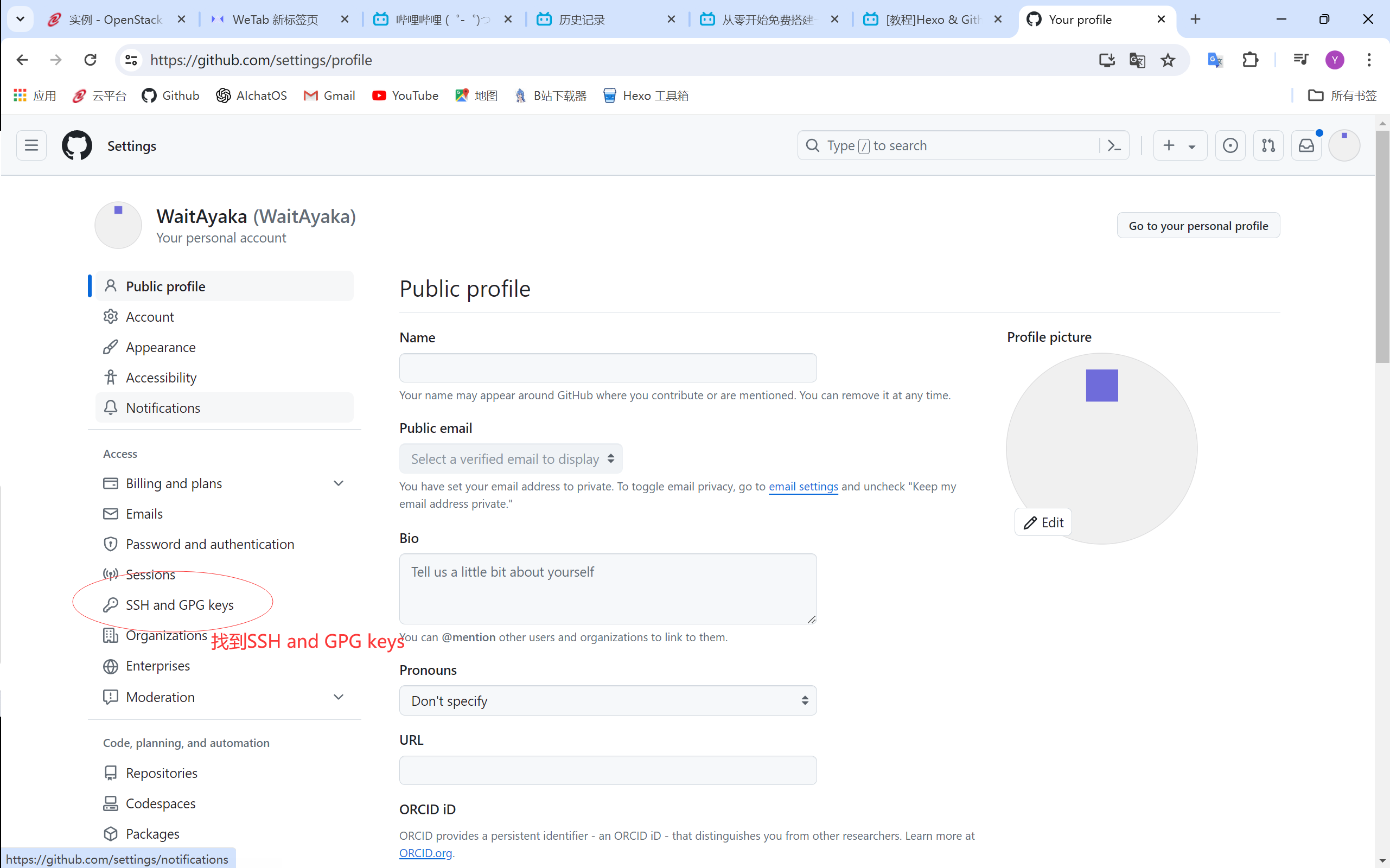
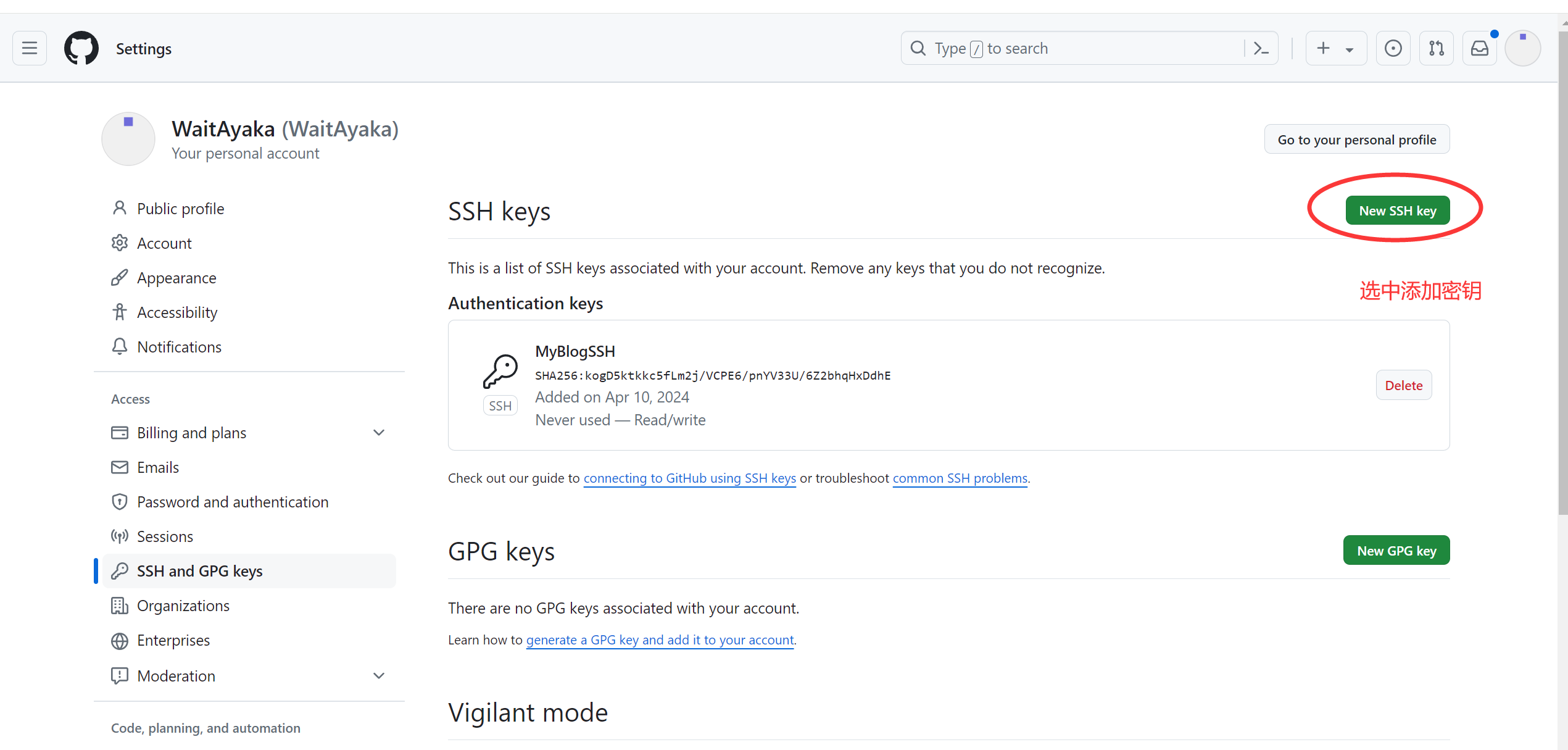
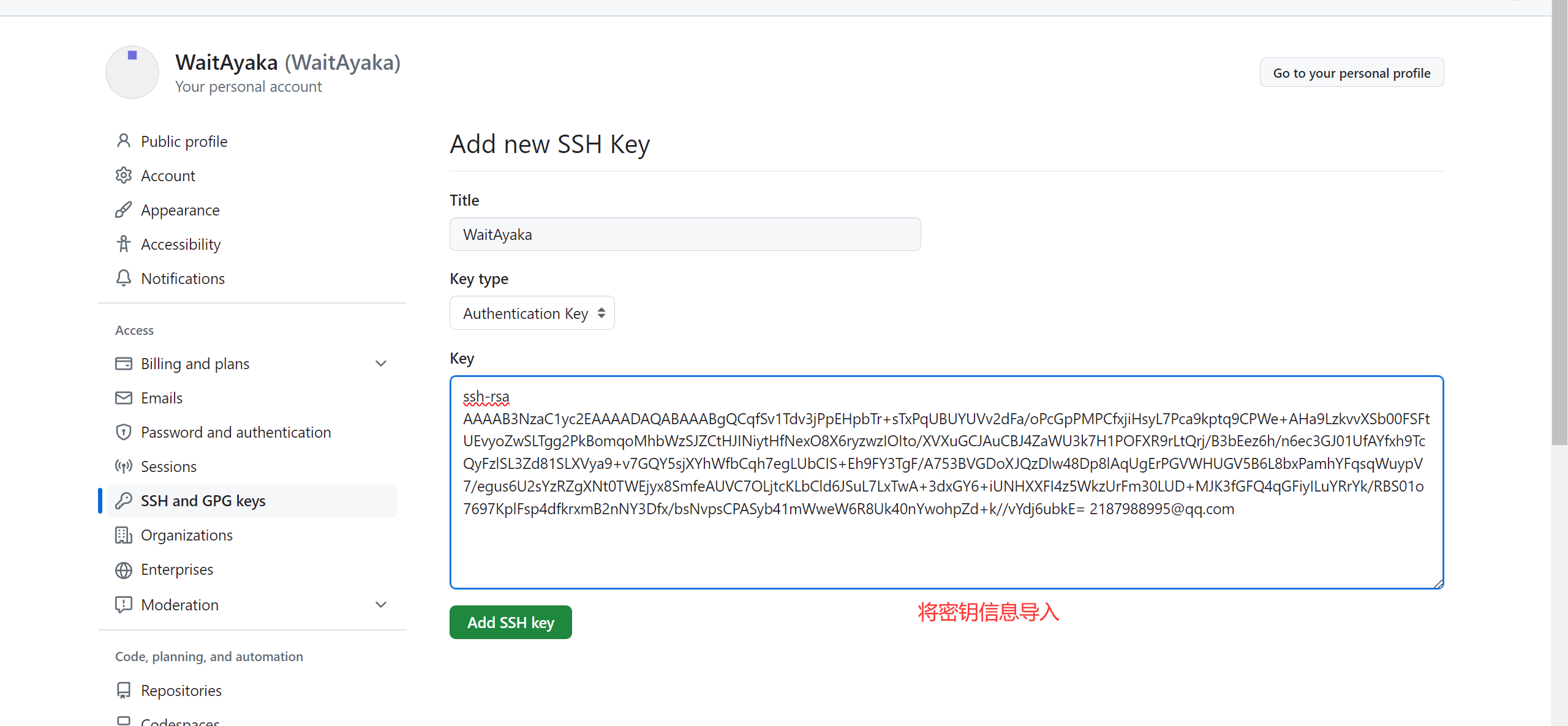
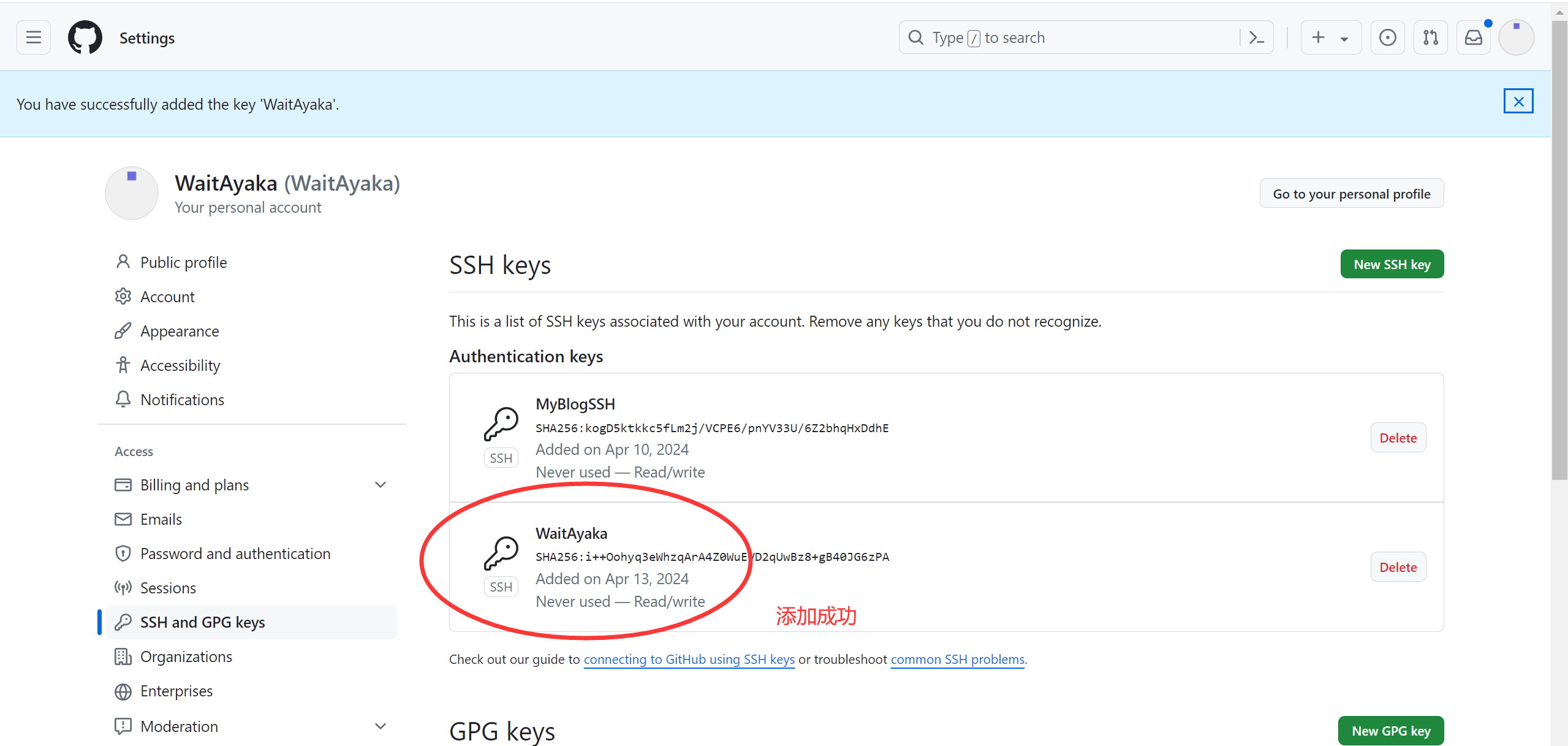
连接Github仓库
- 在.ssh文件夹下创建config文件
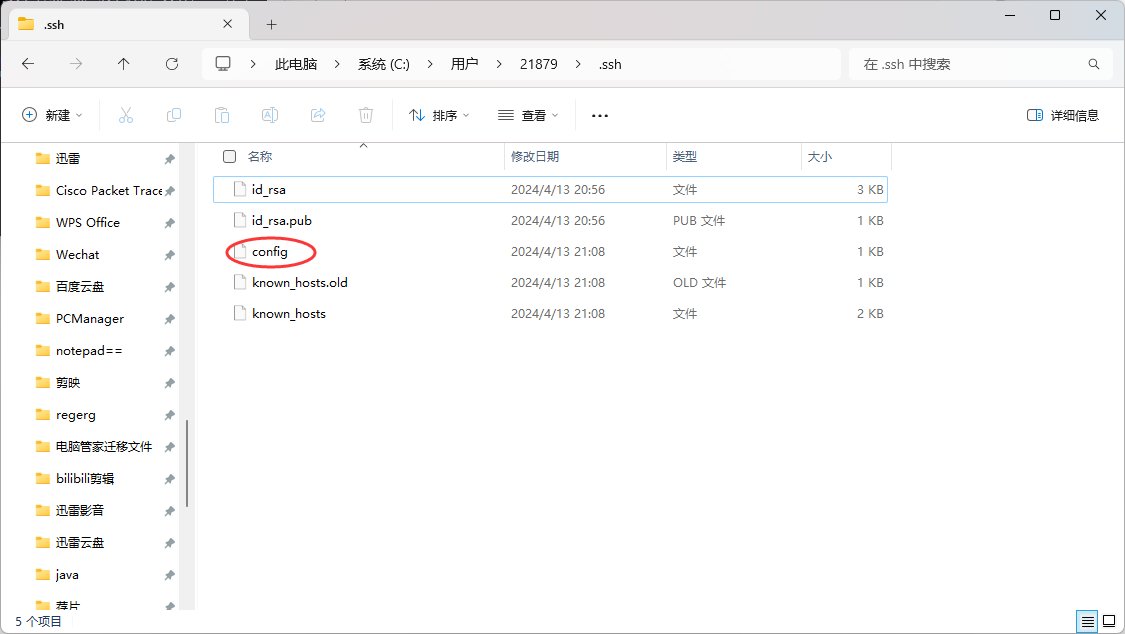
- 在config文件中添加以下内容
Host github.com
HostName ssh.github.com  # 这是最重要的部分
User git
Port 443
PreferredAuthentications publickey
IdentityFile ~/.ssh/id_rsa
- 测试连接ssh库
$ ssh [email protected]

The authenticity of host'[ssh.github.com]:443 ([20.205.243.160]:443)' can't be established.
ED25519 key fingerprint is SHA256:+DiY3wvvV6TuJJhbpZisF/zLDA0zPMSvHdkr4UvCOqU.
This key is not known by any other names.
Are you sure you want to continue connecting (yes/no/[fingerprint])? yes
Warning: Permanently added '[ssh.github.com]:443' (ED25519) to the list of known hosts.
PTY allocation request failed on channel 0
Hi WaitAyaka! You've successfully authenticated, but GitHub does not provide shell access.
Connection to ssh.github.com closed.  //显示 HI `你的用户名`!即为连接成功
四、安装hexo
1. 更改npm镜像源
`进入cmd`npm config set registry https://registry.npmmirror.com
2. 创建一个文件夹 在里面打开终端
使用npm安装hexo
npminstall-g hexo-cli
3. 初始化hexo
hexo init
`初始化完成 后显示`
INFO  Cloning hexo-starter https://github.com/hexojs/hexo-starter.git
INFO  Install dependencies
INFO  Start blogging with Hexo!
- 运行博客
hexo g //生成更改内容
hexo s //运行本地网页服务
D:\My Blogs>hexo s
INFO  Validating config
INFO  Start processing
INFO  Hexo is running at http://localhost:4000/ . Press Ctrl+C to stop.
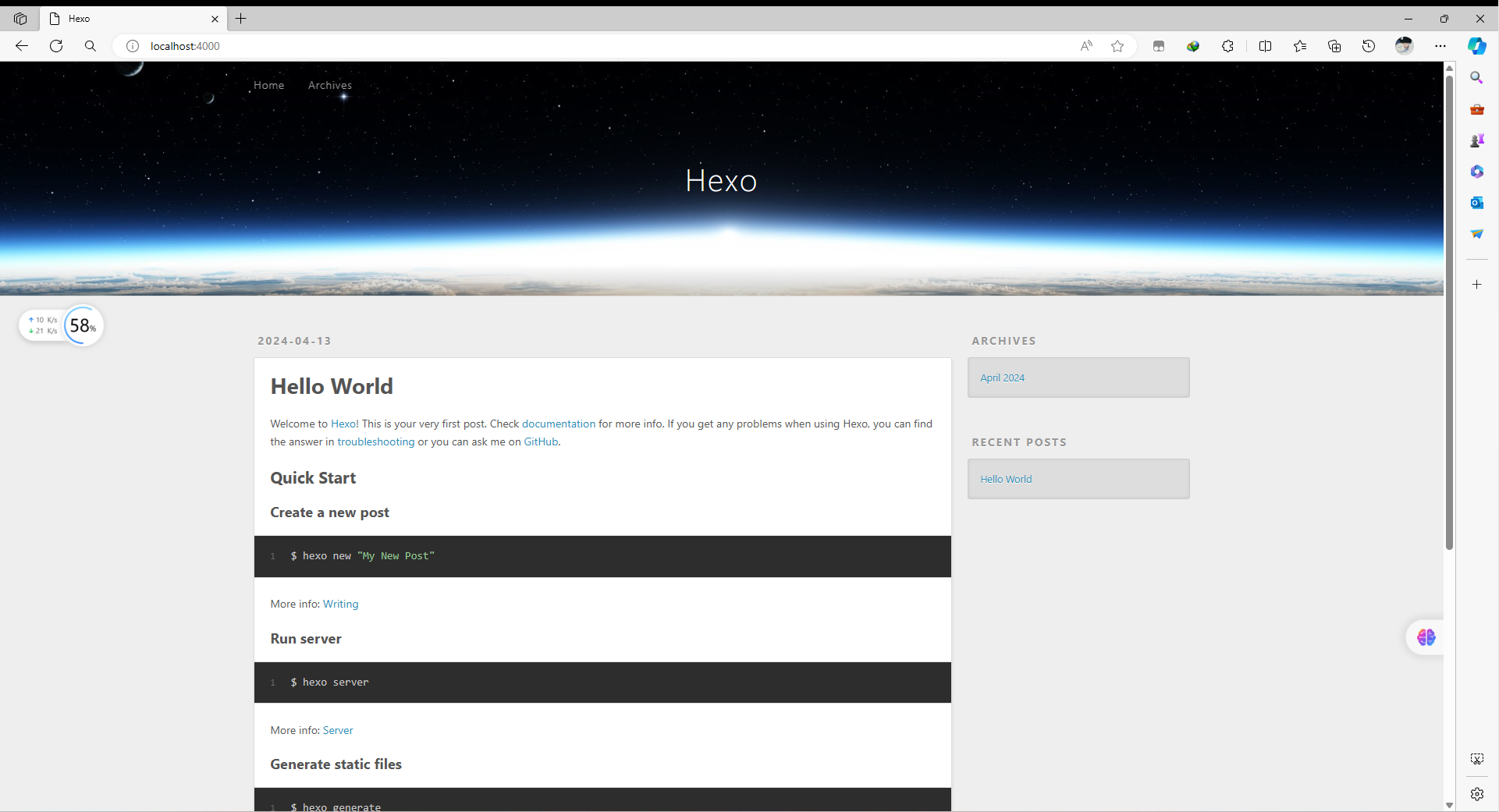
可以使用自己喜欢的主题 可以在网上自行搜索
这里使用particleX 因为很好看
- 主题官方文档
https://github.com/theme-particlex/hexo-theme-particlex
五、切换主题
1. 安装主题
cd themes
git clone [email protected]:theme-particlex/hexo-theme-particlex.git particlex --depth=1
2. 修改默认主题
- 在根目录
_config.yml设置主题为 ParticleX 即可
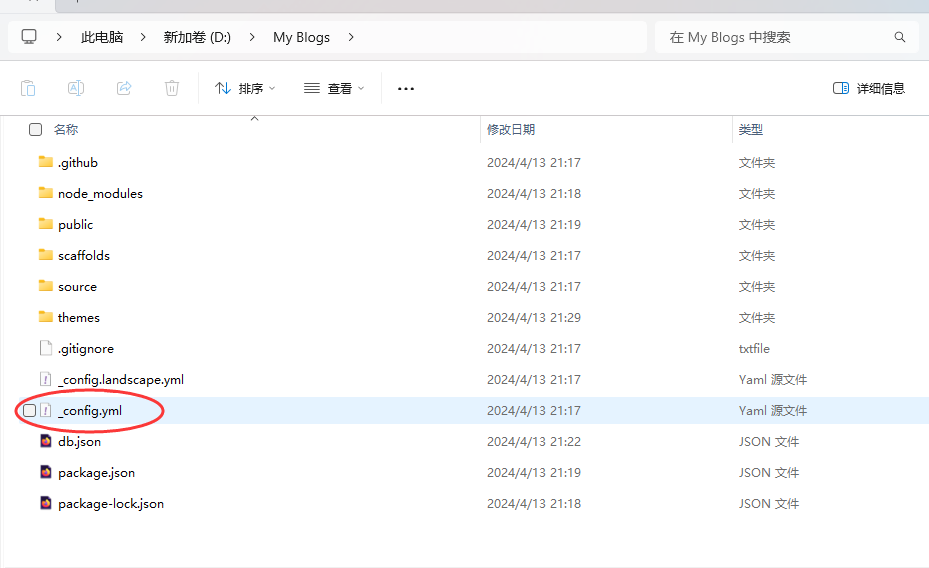
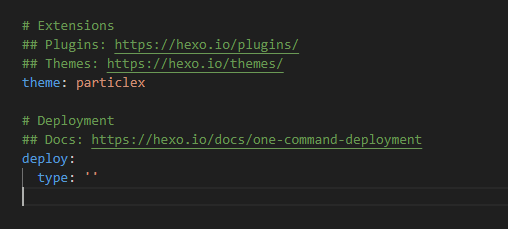
查看修改主题后的网站
hexo s
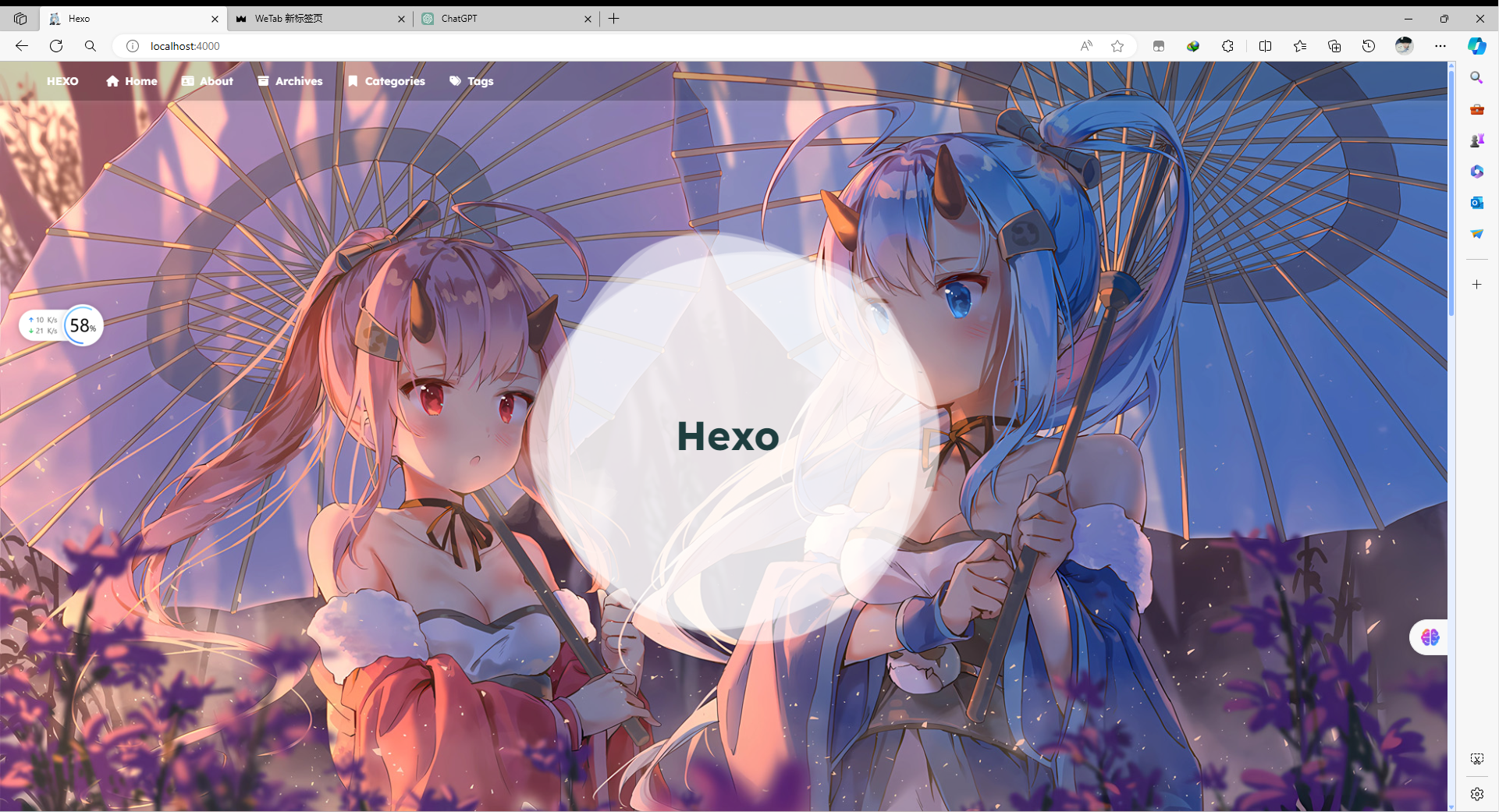
六、主题美化
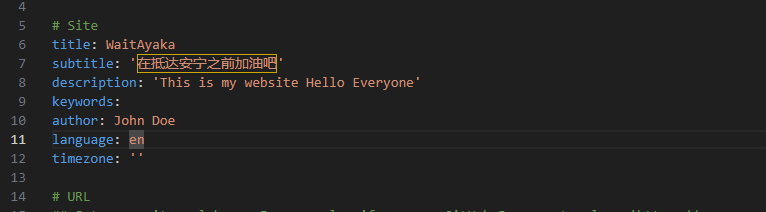
1. 修改主题标签
还是
_config.yaml文件
任意修改以下参数
修改完后记得ctrl+s保存配置
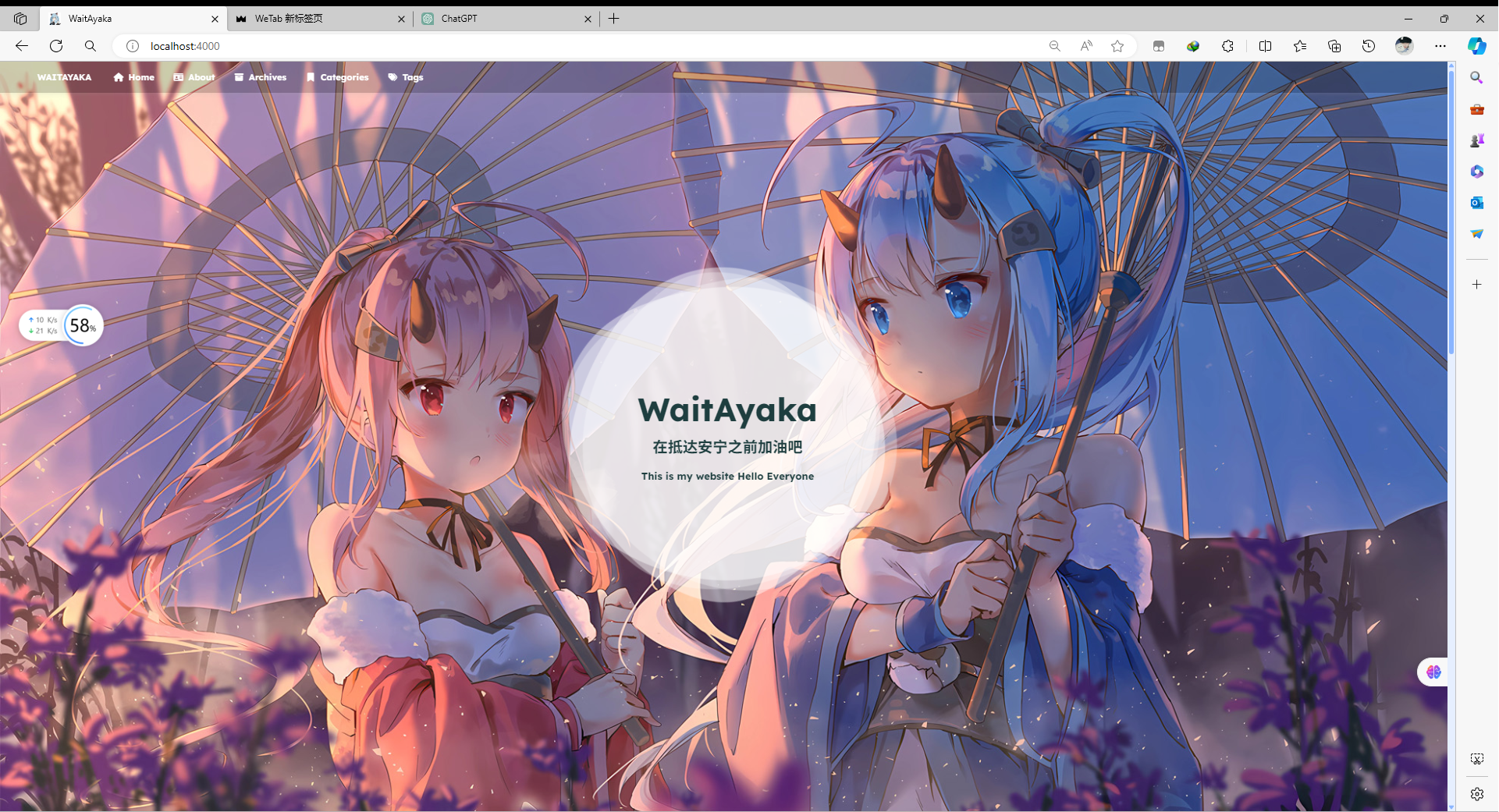
重新启动hexo服务
hexo s
2. menu 主页菜单导航
需要我们进入到主题的_config.yaml进行配置
- 进入之后找到menu选项
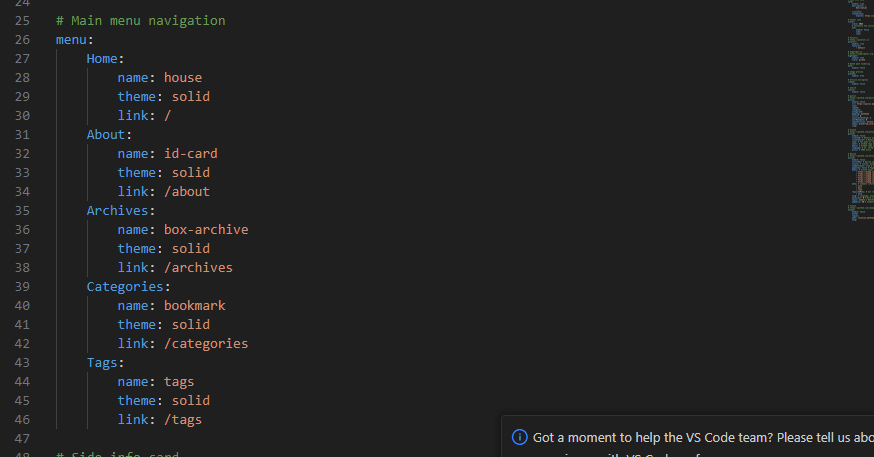
我们可以更改Home About这些的定义 比如将Home 换成主页 About 换成关于
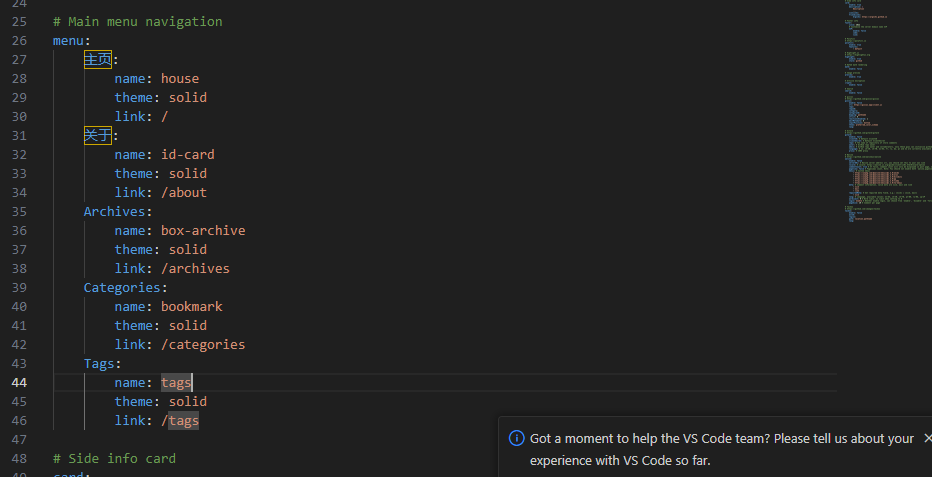
查看修改后效果
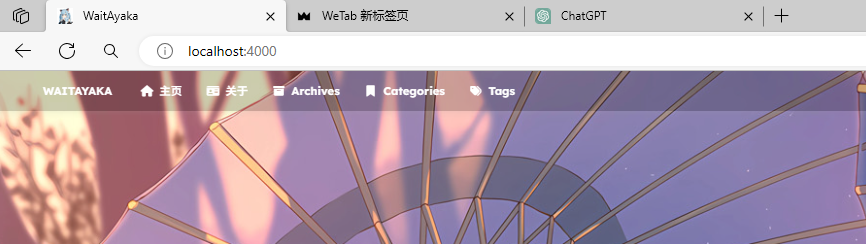
menu:主页:name: house
        theme: solid
        link: /
# 关于页面链接:关于:name: id-card
        theme: solid
        link: /about
# 存档页面链接存档:name: box-archive
        theme: solid
        link: /archives
# 分类页面链接分类:name: bookmark
        theme: solid
        link: /categories
# 标签页面链接标签:name: tags
        theme: solid
        link: /tags
七、Hexo常用命令
hexo clean //清除hexo缓存
hexo g     //重新生成hexo
hexo s     //运行本地服务器
hexo d     //将hexo推送到设置好的服务器上
hexo new   xxx //新建博文
hexo new page xxx //新建页面
博文新建好会存到
/<博客根目录>/souce/_post中
采用
MarkDown
语法
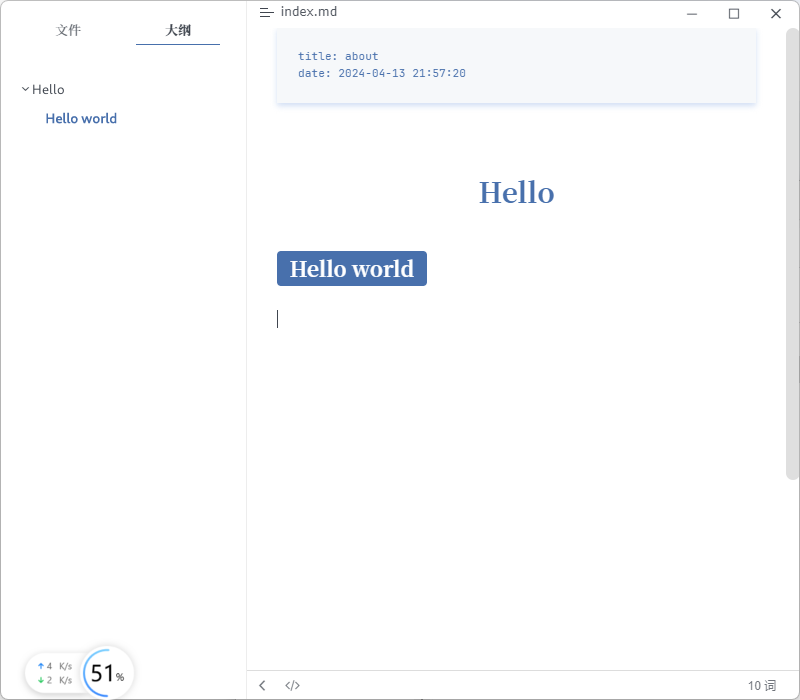
1. 创建新页面
D:\My Blogs\themes>hexo new page "about"
INFO  Validating config
INFO  Created: D:\My Blogs\source\about\index.md
- 进入
Created: D:\My Blogs\source\about\index.md
- 访问关于页面
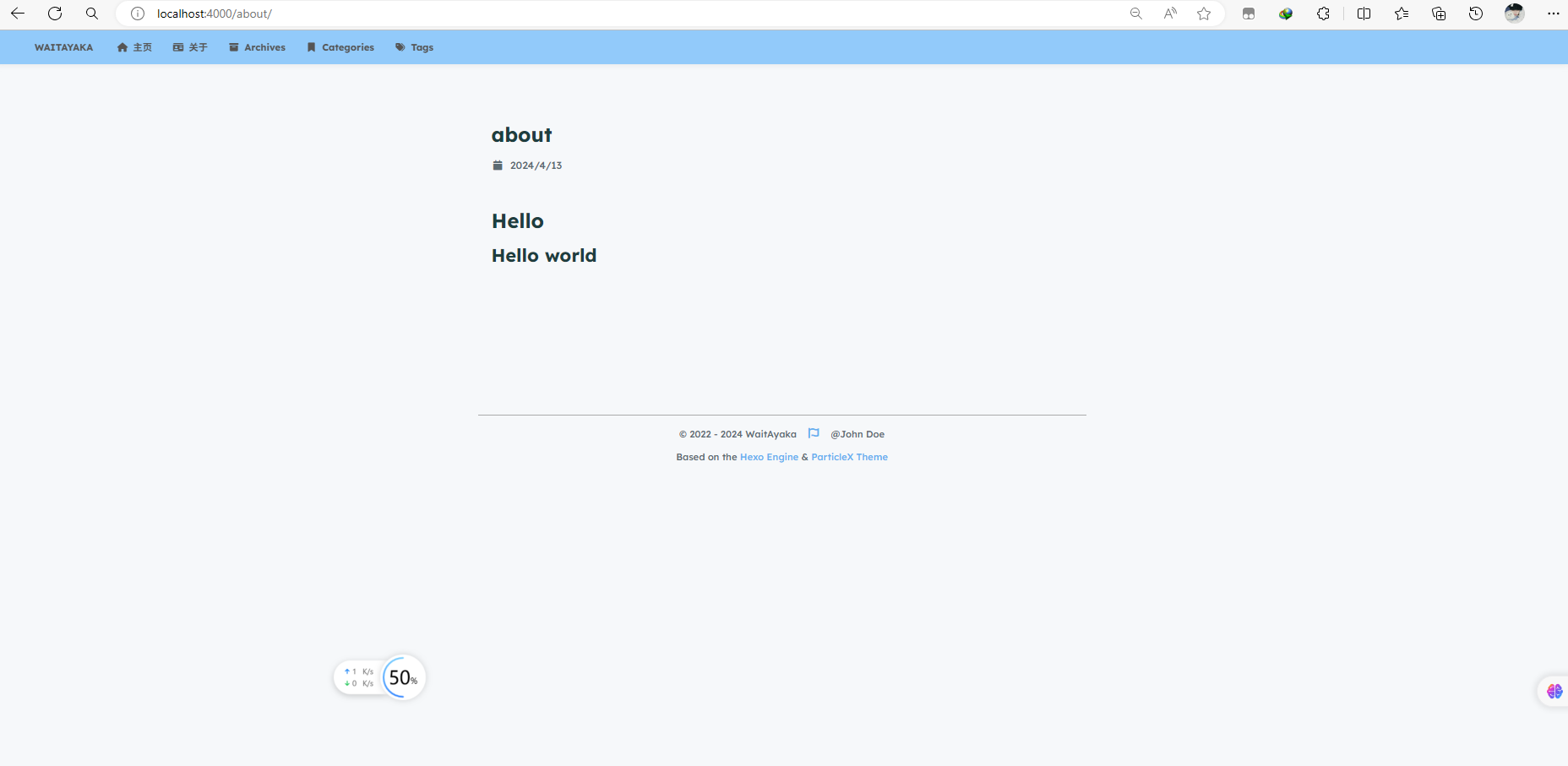
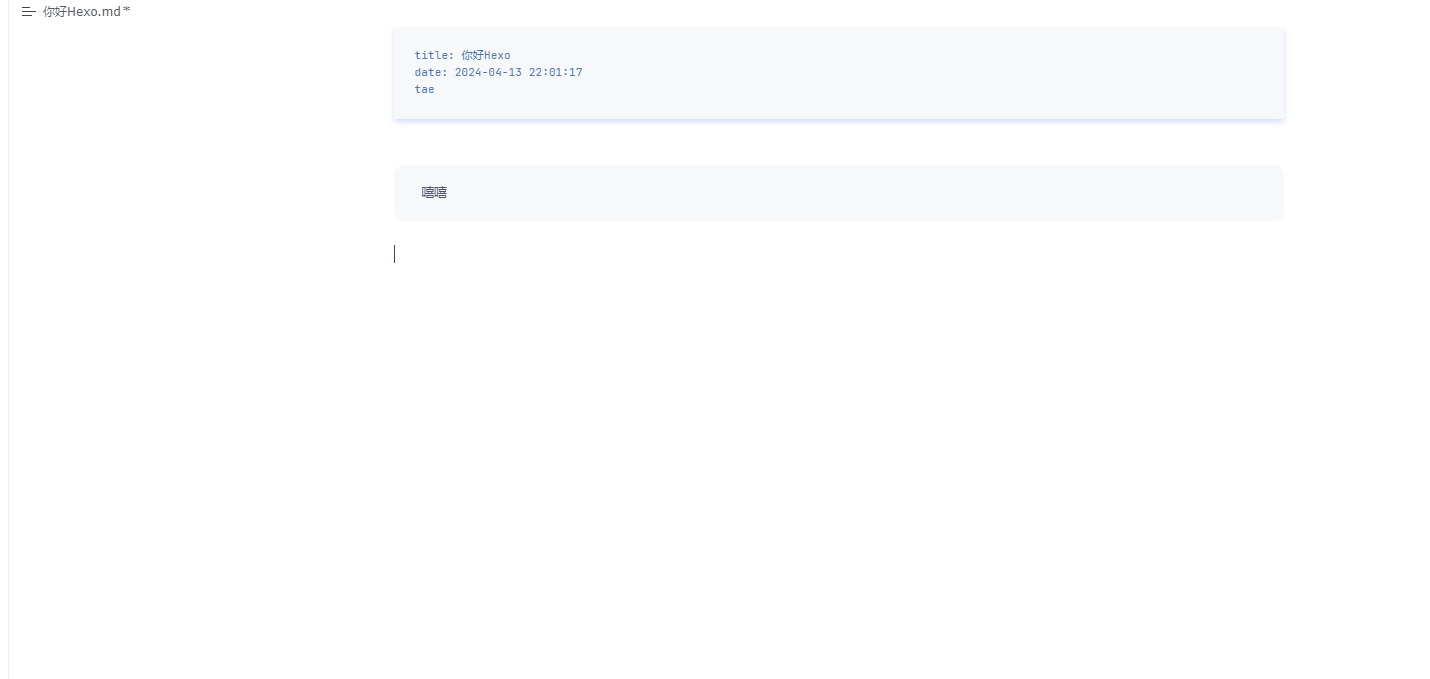
2. 创建博文
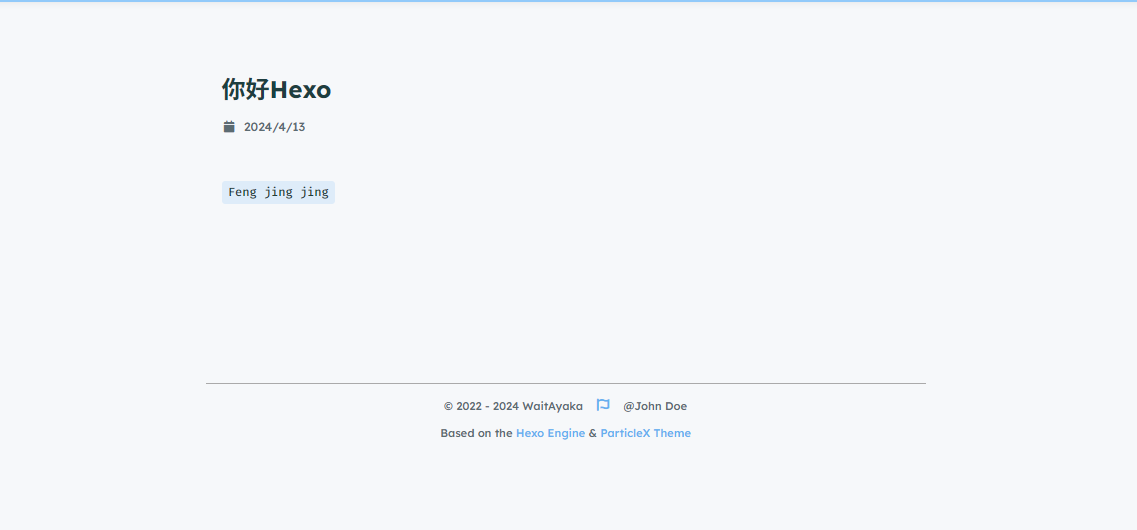
D:\My Blogs\themes>hexo new "你好Hexo"
INFO  Validating config
INFO  Created: D:\My Blogs\source\_posts\你好Hexo.md
进入
D:\My Blogs\source\_posts\你好Hexo.md

八、推送hexo到github.io上
1. 修改本地博客配置文件
在本地博客中找到
_config.yaml
找到deploy部分
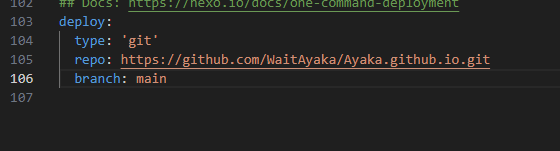
repo: 后面接上你的github仓库地址
2. 下载插件
npminstall hexo-deployer-git --save
- 在命令行中输入
hexo clean //清除缓存
hexo g //生成更改
hexo d //推送到服务器
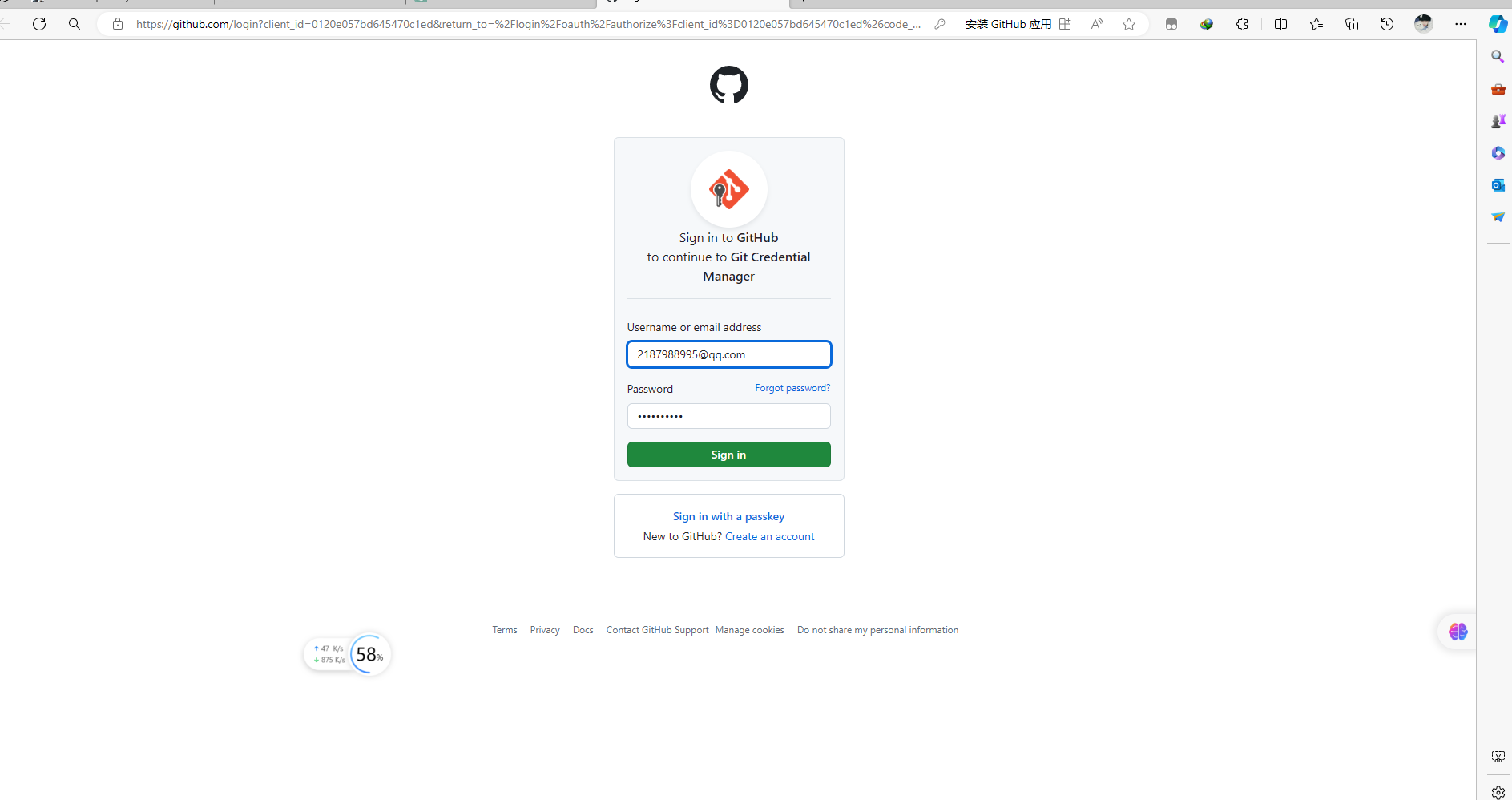
- 上传的过程
D:\My Blogs\themes>hexo d
INFO  Validating config
INFO  Deploying: git
INFO  Setting up Git deployment...
Initialized empty Git repository in D:/My Blogs/.deploy_git/.git/
[master (root-commit) 7798c74] First commit
 1file changed, 0 insertions(+), 0 deletions(-)
 create mode 100644 placeholder
INFO  Clearing .deploy_git folder...
INFO  Copying files from public folder...
INFO  Copying files from extend dirs...
warning: in the working copy of '2024/04/13/hello-world/index.html', LF will be replaced by CRLF the next time Git touches it
warning: in the working copy of '2024/04/13/浣犲ソHexo/index.html', LF will be replaced by CRLF the next time Git touches it
warning: in the working copy of 'about/index.html', LF will be replaced by CRLF the next time Git touches it
warning: in the working copy of 'archives/2024/04/index.html', LF will be replaced by CRLF the next time Git touches it
warning: in the working copy of 'archives/2024/index.html', LF will be replaced by CRLF the next time Git touches it
warning: in the working copy of 'archives/index.html', LF will be replaced by CRLF the next time Git touches it
warning: in the working copy of 'css/main.css', LF will be replaced by CRLF the next time Git touches it
warning: in the working copy of 'index.html', LF will be replaced by CRLF the next time Git touches it
warning: in the working copy of 'js/lib/crypto.js', LF will be replaced by CRLF the next time Git touches it
warning: in the working copy of 'js/lib/highlight.js', LF will be replaced by CRLF the next time Git touches it
warning: in the working copy of 'js/lib/home.js', LF will be replaced by CRLF the next time Git touches it
warning: in the working copy of 'js/lib/math.js', LF will be replaced by CRLF the next time Git touches it
warning: in the working copy of 'js/lib/preview.js', LF will be replaced by CRLF the next time Git touches it
warning: in the working copy of 'js/lib/search.js', LF will be replaced by CRLF the next time Git touches it
warning: in the working copy of 'js/main.js', LF will be replaced by CRLF the next time Git touches it
[master fd9219c] Site updated: 2024-04-13 22:12:36
 19 files changed, 2778 insertions(+)
 create mode 1006442024/04/13/hello-world/index.html
 create mode 100644"2024/04/13/\344\275\240\345\245\275Hexo/index.html"
 create mode 100644 about/index.html
 create mode 100644 archives/2024/04/index.html
 create mode 100644 archives/2024/index.html
 create mode 100644 archives/index.html
 create mode 100644 css/main.css
 create mode 100644 images/avatar.jpg
 create mode 100644 images/background.jpg
 create mode 100644 images/loading.gif
 create mode 100644 index.html
 create mode 100644 js/lib/crypto.js
 create mode 100644 js/lib/highlight.js
 create mode 100644 js/lib/home.js
 create mode 100644 js/lib/math.js
 create mode 100644 js/lib/preview.js
 create mode 100644 js/lib/search.js
 create mode 100644 js/main.js
 delete mode 100644 placeholder
info: please complete authentication in your browser...
Enumerating objects: 34, done.
Counting objects: 100% (34/34), done.
Delta compression using up to 16 threads
Compressing objects: 100% (25/25), done.
Writing objects: 100% (34/34), 1.81 MiB |906.00 KiB/s, done.
Total 34(delta 4), reused 0(delta 0), pack-reused 0(from 0)
remote: Resolving deltas: 100% (4/4), done.
To https://github.com/WaitAyaka/Ayaka.github.io.git
 * [new branch]      HEAD -> main
branch 'master'set up to track 'https://github.com/WaitAyaka/Ayaka.github.io.git/main'.
INFO  Deploy done: git
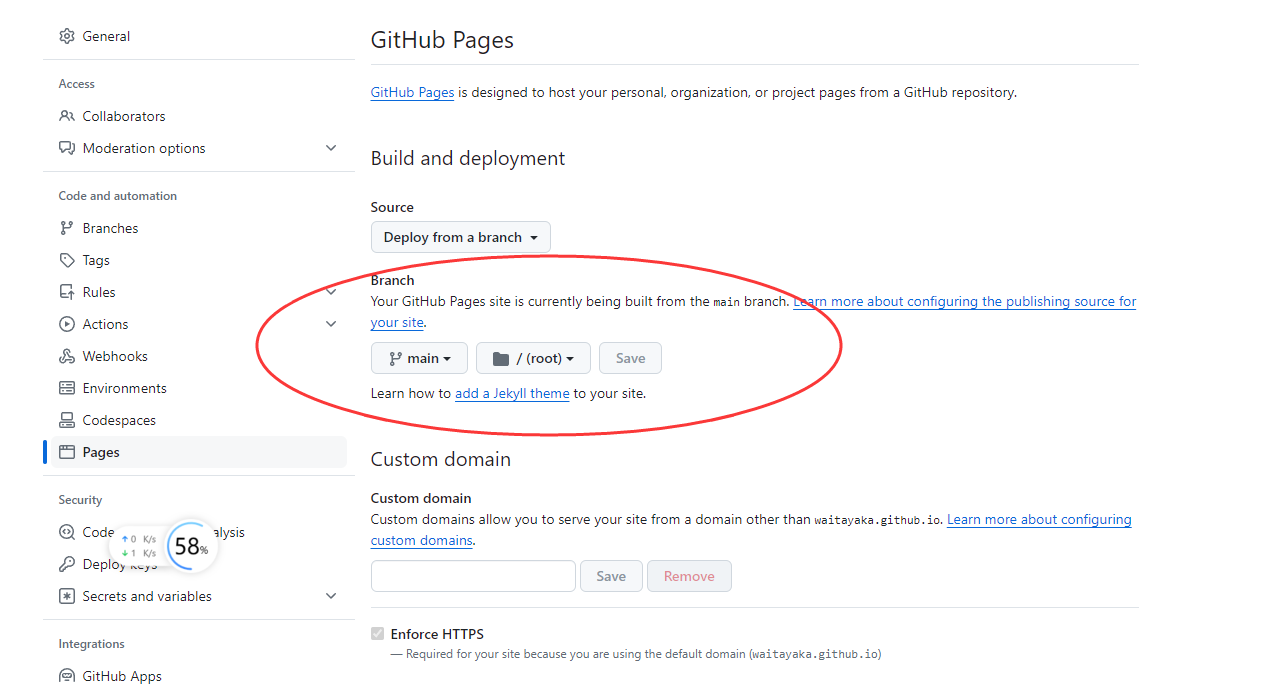
推送到互联网
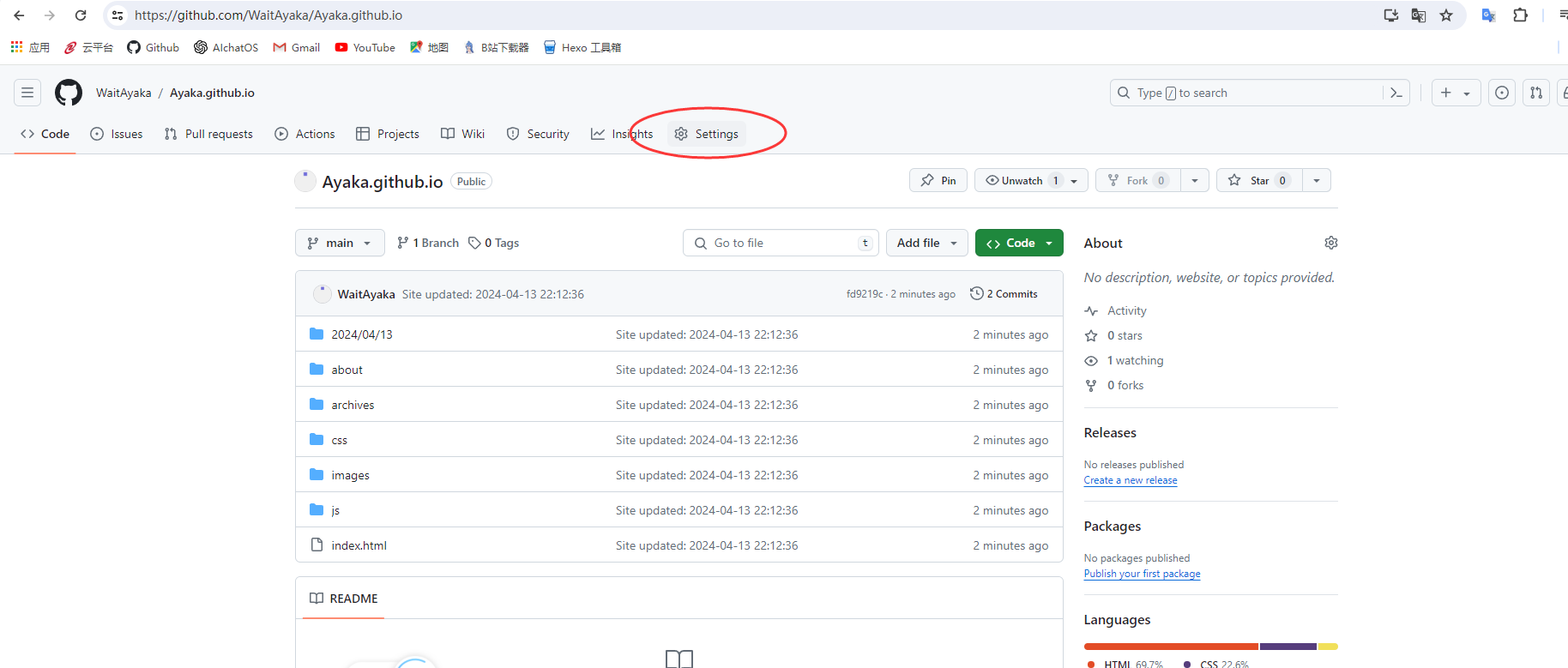
- 选择main 并保存
本文转载自: https://blog.csdn.net/2201_75288693/article/details/138519863
版权归原作者 晚妍 所有, 如有侵权,请联系我们删除。
版权归原作者 晚妍 所有, 如有侵权,请联系我们删除。