
实验课本61页
根据要求修改注释和链接的css文件就可以实现三种页面的呈现
更改具体内容和颜色代码就可以实现课本上的页面。
主代码:
<!DOCTYPE html> <html> <head> <meta charset="utf-8" /> <title></title> <link href="layout_1.css" rel="stylesheet" type="text/css"/> </head> <body >layout_1.css
*{margin: 0 auto;margin-left: 0 auto;margin-right: 0 auto;font-weight: bold;font-size: 28px;line-height: 1.5em;}
#container{width: 900px;border-top: 0px;border-left: 0 auto;}
#header{height: 70px;background-color: #d5e3d1;margin-bottom: 8px;}
#nav{height: 40px;background-color: #eaeef1;margin-bottom: 8px;}
#maincontent{border-bottom: 8px;}
#main{float: left; width: 664px;height: 400px;background-color: #d4dde1;}
#side{float: right; width: 228px;height: 400px;background-color: #b2bfc3;}
.clearfloat{clear: both;}
#footer{height: 70px;background-color: #bdcbd2;border-top-width: 8px;border-top-style:solid ;border-top-color: white}
运行实现图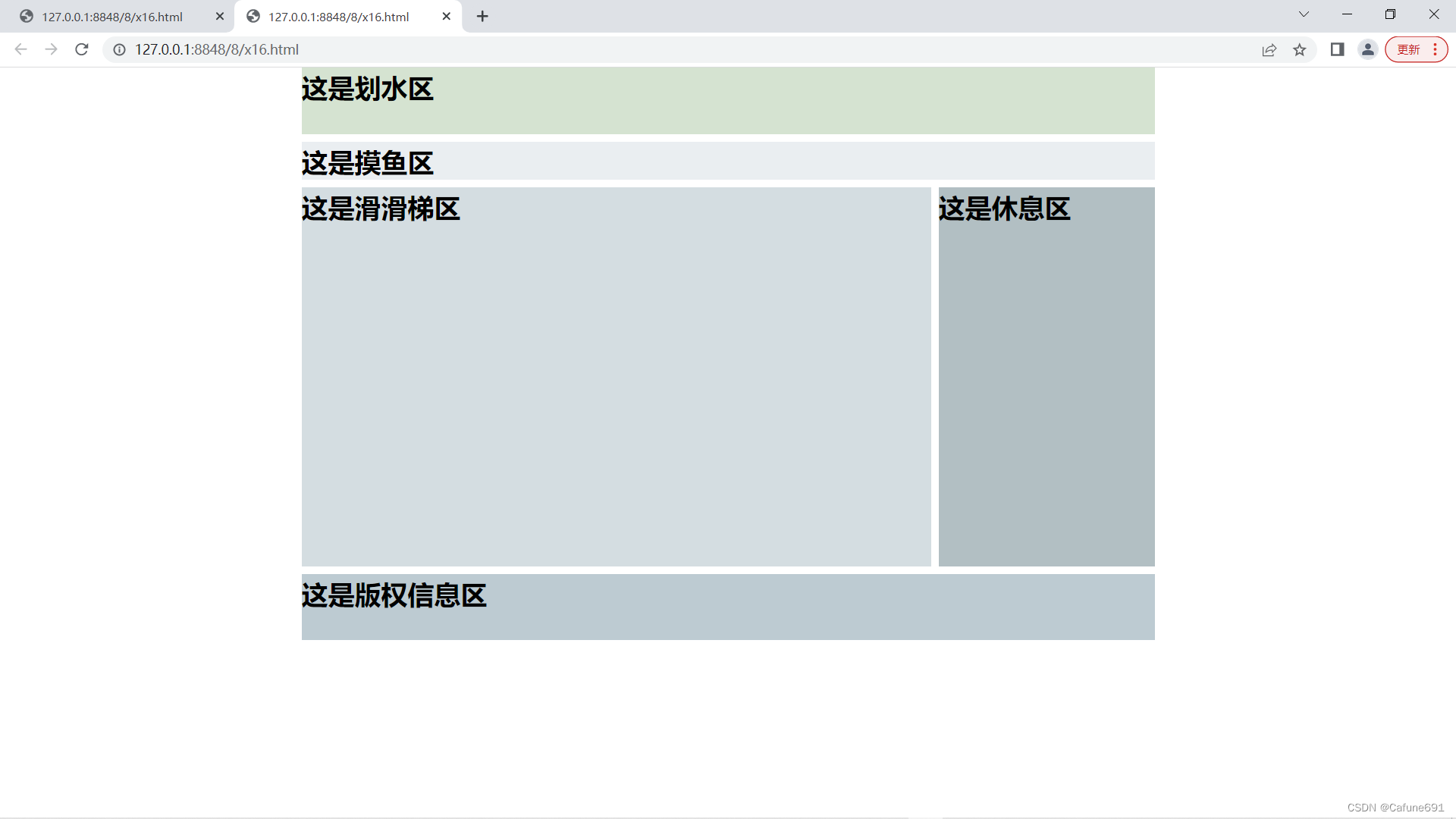
layout_2.css
*{font-weight: bolder;font-size: 28px;margin: 0;}
#container{margin: 0 auto;width: 900px;}
#header{height: 100px;background: #6cf;margin-bottom: 5px;}
#maincontent{margin-bottom: 5px;}
#sidebar{float: left;width: 200px;height: 500px;background: #9ff;}
#content{float:right;width: 695px;height: 500px;background: #cfe;}
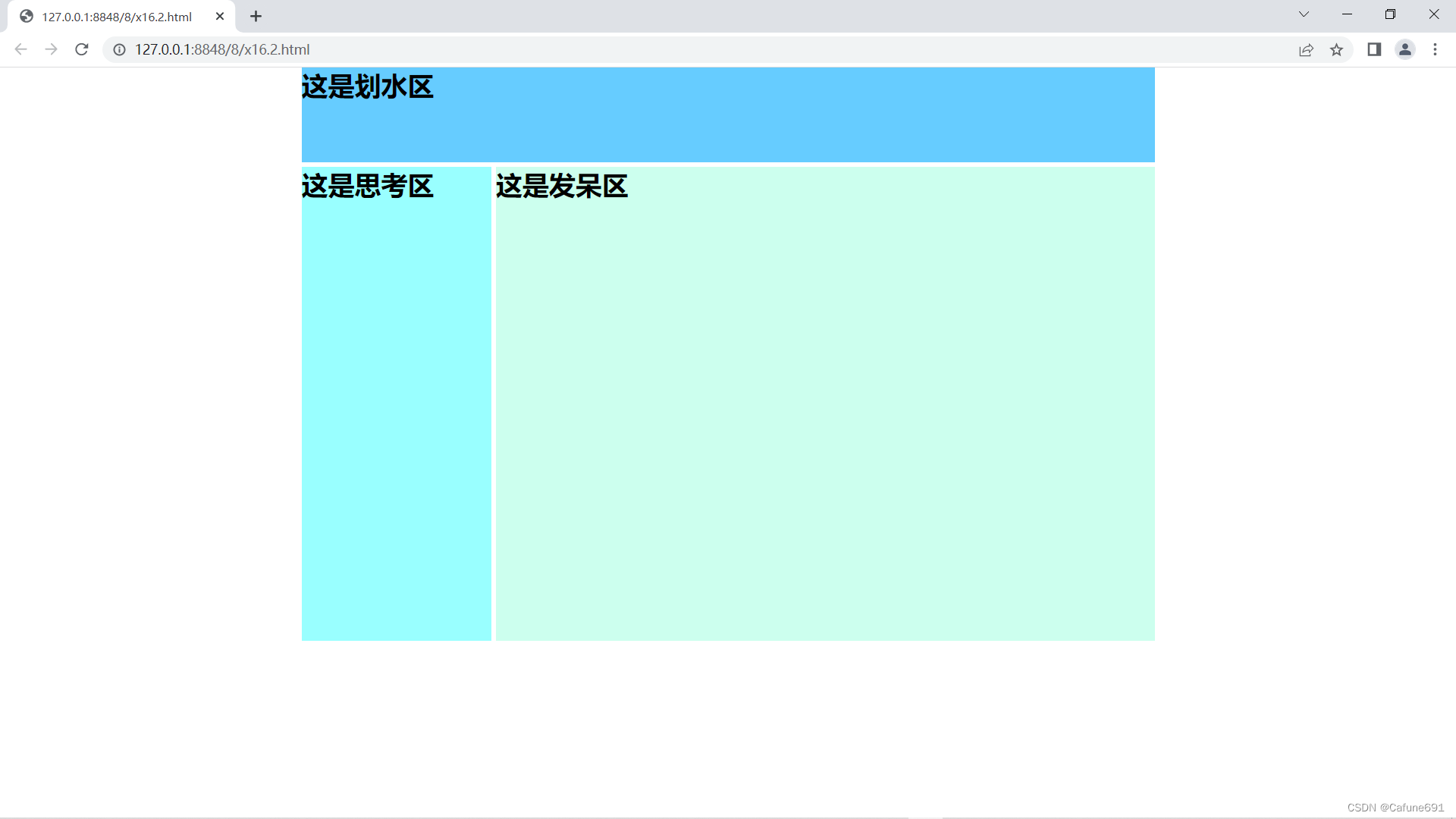
layout_3.css
*{padding: 0px;margin: 0 auto;font-weight: bolder;font-size: 24px;}
#container{width: 100%;}
#header{height: 100px;background: #76a4b3;margin-bottom: 5px;}
#menu{height: 30px;background: #d7e8f8;margin-bottom: 5px;}
#maincontent{margin-bottom: 5px;height: 350px;}
#sidebar{float: left;height: 350px;background: #205064;}
#content{margin-left: 205px;height: 350px;background: #eca7a7;}
#footer{height: 60px;background: #76a4b3;}
.clearfloat{clear: both;}
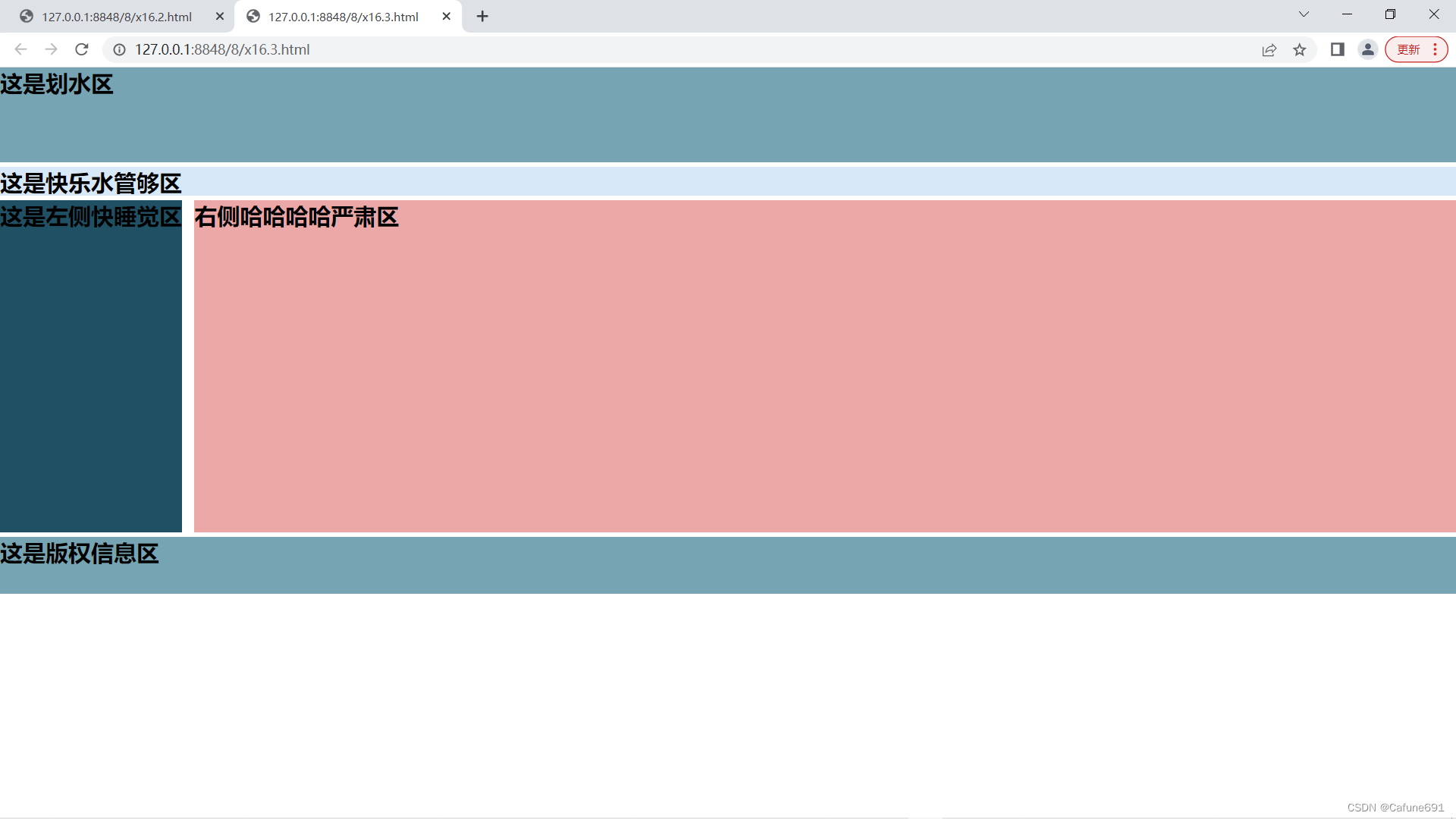
版权归原作者 slay尚冉冉 所有, 如有侵权,请联系我们删除。