
前文讲解了RabbitMQ的下载和安装,此文讲解springboot整合RabbitMq实现消息的发送和消费。
1、创建web project项目,名称为“SpringbootAction-RabbitMQ”
2、修改pom.xml文件,添加amqp使用jar包
    <dependency>

        <groupId>org.springframework.boot</groupId>

        <artifactId>spring-boot-starter-amqp</artifactId>

    </dependency>

    <dependency>

    <groupId>org.springframework.boot</groupId>

        <artifactId>spring-boot-starter-test</artifactId>

        <scope>test</scope>

    </dependency>

    <dependency>

        <groupId>org.springframework.amqp</groupId>

        <artifactId>spring-rabbit-test</artifactId>

        <scope>test</scope>

    </dependency>
3、修改application.xml,配置服务器RabbitMQ服务器
spring:
rabbitmq: #配置RabbitMQ
host: 127.0.0.1

port: 5672

username: guest

password: guest

virtual-host: /
4、添加RabbitMQ配置文件
@Configuration//Rabbit配置类
public class RabbitConfig {
    private final String EXCHANGE_NAME = "boot_topic_exchange";

    private final String QUEUE_NAME = "boot_queue";

//创建交换机
@Bean("bootExchange")
public Exchange getExchange()
{

    return ExchangeBuilder

            .topicExchange(EXCHANGE_NAME)//交换机类型 ;参数为名字

            .durable(true)//是否持久化,true即存到磁盘,false只在内存上

            .build();

}

//创建队列

@Bean("bootQueue")

public Queue getMessageQueue()

{

    return new Queue(QUEUE_NAME);

}

//交换机绑定队列

@Bean

//@Qualifier注解,使用名称装配进行使用

public Binding bindMessageQueue(@Qualifier("bootExchange") Exchange exchange, @Qualifier("bootQueue") Queue queue)

{

    return BindingBuilder

            .bind(queue)

            .to(exchange)

            .with("#.message.#")

            .noargs();

}
}
5、添加producer生产者文件
@RestController
public class TestProducer {
//注入RabbitTemplate工具类(rabbit内部的,可以发送消息)

@Autowired

private RabbitTemplate rabbitTemplate;

@GetMapping("/sendMessage")

public void testSendMessage()

{

    /**

     * 发送消息

     * 参数1:交换机

     * 参数2:路由键

     * 参数3:要发送的消息

     */

    rabbitTemplate.convertAndSend("boot_topic_exchange","message","双十二开始了!");

}
}
6、添加consumer消费者文件
//消费者
@Component
public class Consumer {
//监听队列
@RabbitListener(queues = "boot_queue")
public void listenMessage(Message message)
{
System.out.println("接收消息:"+message);
}
}
7、测试
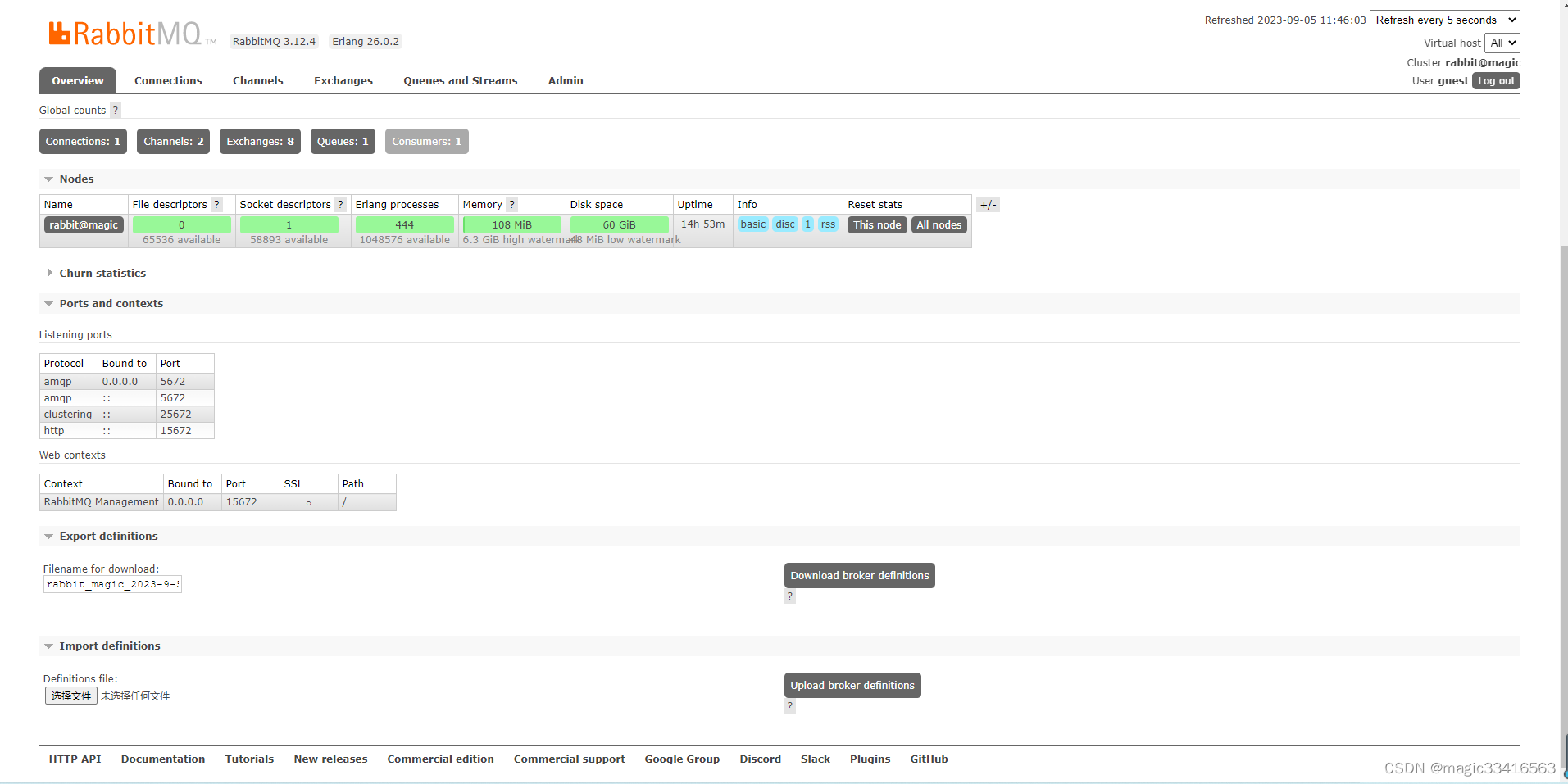
启动RabbitMQ服务器,启动后界面如下图所示:
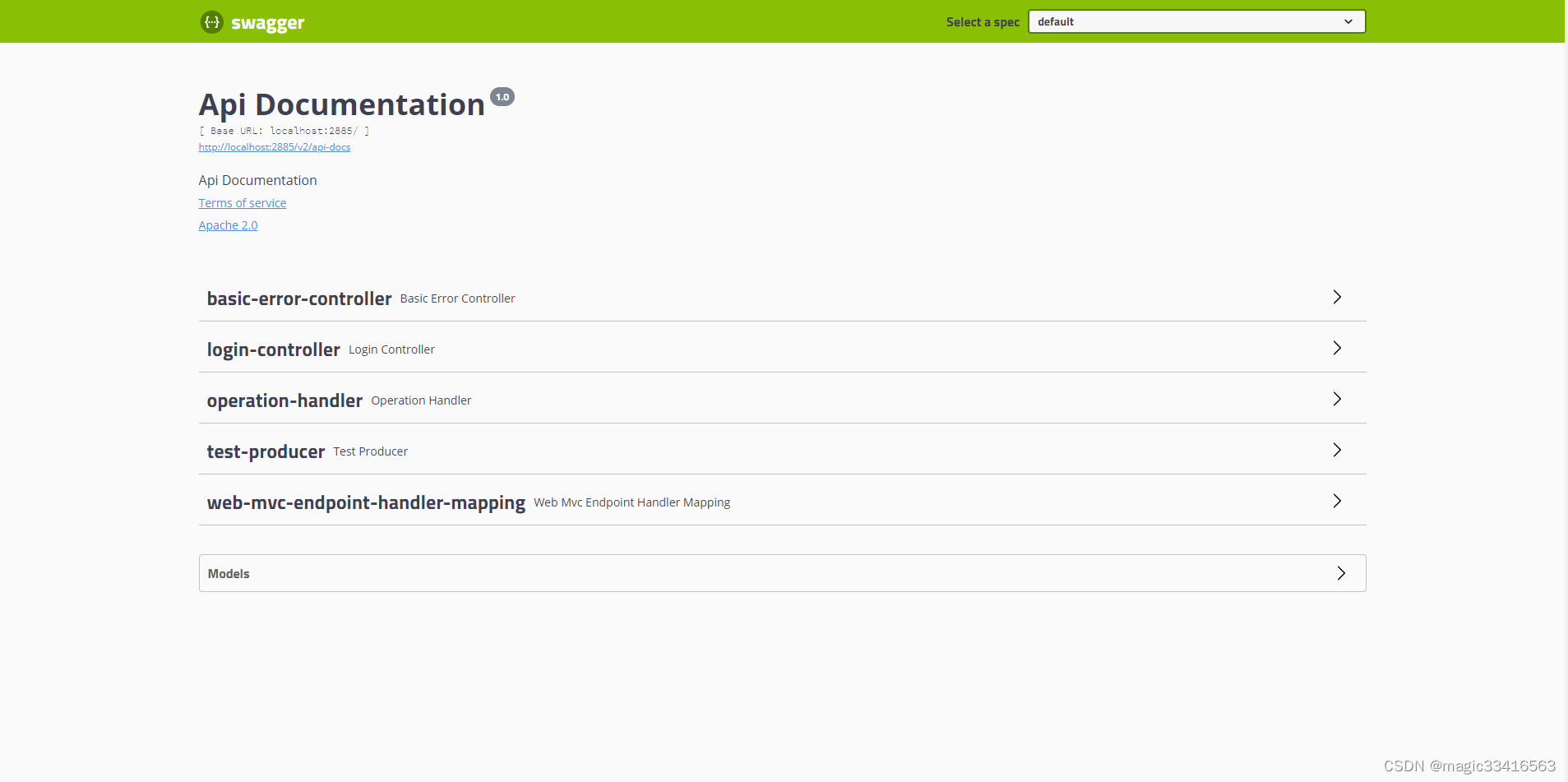
启动SpringbootAction-RabbitMQ项目,项目启动后,在浏览器中输入http://localhost:2885/swagger-ui.html,界面如下:
测试消息生产者和消费者
选择“test-producer”,点击“Excute”,执行producer

观察项目后台console,显示如下:

从上图看,producer可以正常发布信息,同时consumer也正常消费了信息。
版权归原作者 magic33416563 所有, 如有侵权,请联系我们删除。