
文章转载于:https://mp.weixin.qq.com/s/sXRXwMDqekUHfU2SnL-PYg
我们使用 Selenium 对网页进行爬虫时,如果不做任何处理直接进行爬取,会导致很多特征是暴露的
对一些做了反爬的网站,做了特征检测,用来阻止一些恶意爬虫。
本篇文章将介绍几种常用的隐藏浏览器指纹特征的方式
1. 直接爬取
目标对象:aHR0cHM6Ly9xaWthbi5jcXZpcC5jb20vUWlrYW4vU2VhcmNoL0FkdmFuY2U=
我们使用 Selenium 直接爬取目标页面
# selenium 直接爬取from selenium import webdriver
from selenium.webdriver.chrome.options import Options
from selenium.webdriver.chrome.service import Service
import time

chrome_options = Options(
s = Service(r"chromedriver.exe路径")
driver = webdriver.Chrome(service=s, options=chrome_options)
driver.get(url='URL')
driver.save_screenshot('result.png')# 保存
source = driver.page_source
withopen('result.html','w')as f:
    f.write(source)

time.sleep(200)
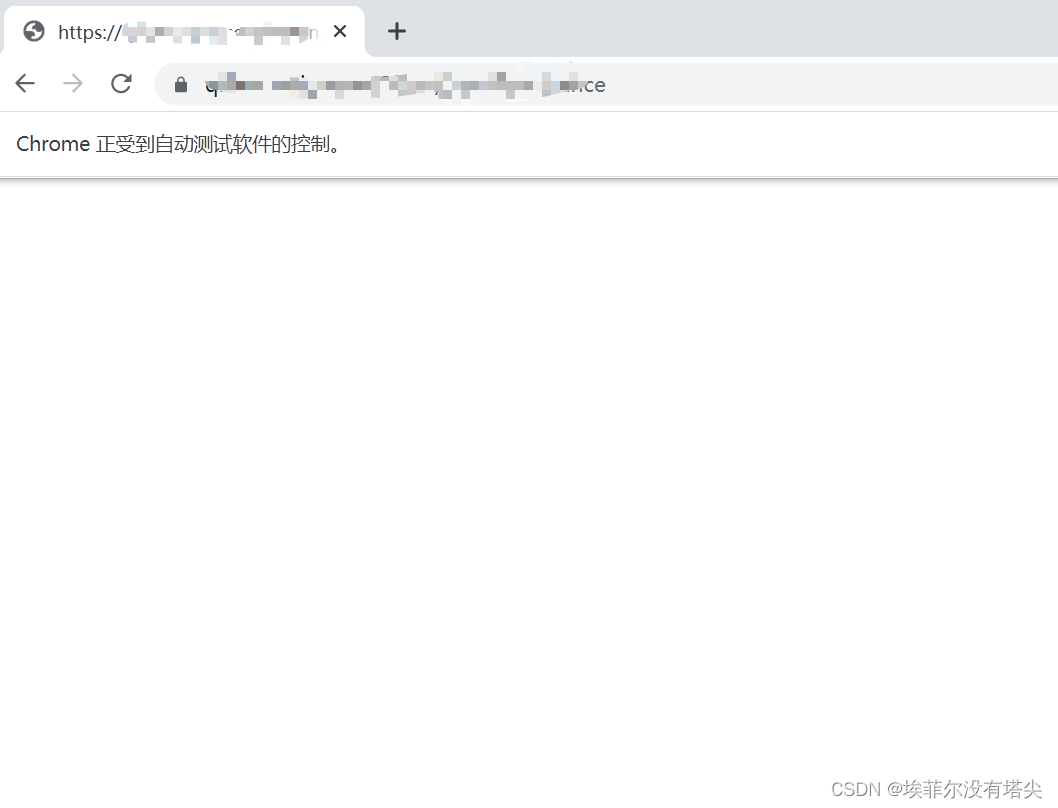
页面明显做了反爬,网页返回直接返回空白内容
2. CDP
CDP 全称为
Chrome Devtools-Protocol
https://chromedevtools.github.io/devtools-protocol/
通过执行 CDP 命令,可以在网页加载前运行一段代码,进而改变浏览器的指纹特征
比如,
window.navigator.webdriver
在 Selenium 直接打开网页时返回结果为
true
;而手动打开网页时,该对象值为
undefined
因此,我们可以利用 CDP 命令修改该对象的值,达到隐藏指纹特征的目的
from selenium import webdriver
from selenium.webdriver.chrome.options import Options
from selenium.webdriver.chrome.service import Service
import time

chrome_options = Options()

s = Service(r"chromedriver.exe路径")

driver = webdriver.Chrome(service=s, options=chrome_options)# 执行cdp命令,修改(window.navigator.webdriver )对象的值
driver.execute_cdp_cmd("Page.addScriptToEvaluateOnNewDocument",{"source":"""
            Object.defineProperty(navigator, 'webdriver', {
              get: () => undefined
            })
            """})

driver.get(url='URL')

driver.save_screenshot('result.png')# 保存
source = driver.page_source
withopen('result.html','w', encoding='utf-8')as f:
    f.write(source)

time.sleep(200)
需要指出的是,浏览器的指纹特征很多,使用该方法存在一些局限性
3. stealth.min.js
该文件包含了常用的浏览器特征,我们只需要读取该文件,然后执行 CDP 命令即可
下载地址:
https://github.com/berstend/puppeteer-extra/tree/stealth-js
from selenium import webdriver
from selenium.webdriver.chrome.options import Options
from selenium.webdriver.chrome.service import Service
from selenium.webdriver.common.by import By
import time

chrome_options = Options()# 无头模式# chrome_options.add_argument("--headless")# 添加请求头
chrome_options.add_argument('user-agent=Mozilla/5.0 (Windows NT 10.0; Win64; x64) AppleWebKit/537.36 (KHTML, like Gecko) Chrome/109.0.0.0 Safari/537.36')

s = Service(r"chromedriver.exe路径")

driver = webdriver.Chrome(service=s, options=chrome_options)# 利用stealth.min.js隐藏浏览器指纹特征# stealth.min.js下载地址:https://github.com/berstend/puppeteer-extra/tree/stealth-jswithopen('./stealth.min.js')as f:
    driver.execute_cdp_cmd("Page.addScriptToEvaluateOnNewDocument",{"source": f.read()})

driver.get(url='URL')# driver.get(url='https://bot.sannysoft.com/')# 保存图片
driver.save_screenshot('result.png')

time.sleep(200)
4. undetected_chromedriver
这是一个防止浏览器指纹特征被识别的依赖库,可以自动下载驱动配置再运行
项目地址:
https://github.com/ultrafunkamsterdam/undetected-chromedriver
使用步骤也很方便
首先,我们安装依赖库
# 安装依赖
pip3 install undetected-chromedriver
然后,通过下面几行代码就能完美隐藏浏览器的指纹特征
from selenium.webdriver.chrome.options import Options
from selenium.webdriver.chrome.service import Service
import time
import undetected_chromedriver as uc

chrome_options = Options()# chrome_options.add_argument("--headless")

s = Service(r"chromedriver.exe")

driver = uc.Chrome(service=s, options=chrome_options)

driver.get(url='URL')# driver.get(url='https://bot.sannysoft.com/')

driver.save_screenshot('result.png')
time.sleep(100)
5. 操作已开启的浏览器
最后一种方式上篇文章已经介绍过
如何利用 Selenium 对已打开的浏览器进行爬虫!
我们只需要通过命令行启动一个浏览器
import subprocess

# 1、打开浏览器# 指定端口号为:1234# 配置用户数据路径:--user-data-dir
cmd ='C:\\Program Files\\Google\\Chrome\\Application\\chrome.exe --remote-debugging-port=1234 --user-data-dir="C:\\selenum\\user_data"'

subprocess.run(cmd)
然后,利用 Selenium 直接操作上面的浏览器即可模拟正常操作浏览器的行为
import time
from selenium import webdriver
from selenium.webdriver.chrome.options import Options
from selenium.webdriver.chrome.service import Service

# 操作上面已经打开的浏览器,进行百度搜索
chrome_options = Options()# 指定已经打开浏览器的地址及端口号
chrome_options.add_experimental_option("debuggerAddress","127.0.0.1:1234")# 注意:chrome版本与chromedirver驱动要保持一致# 下载地址:http://chromedriver.storage.googleapis.com/index.html
s = Service(r"chromedriver.exe")

driver = webdriver.Chrome(service=s, options=chrome_options)# 打开目标网站
driver.get(url="URL")

time.sleep(200)
版权归原作者 埃菲尔没有塔尖 所有, 如有侵权,请联系我们删除。