
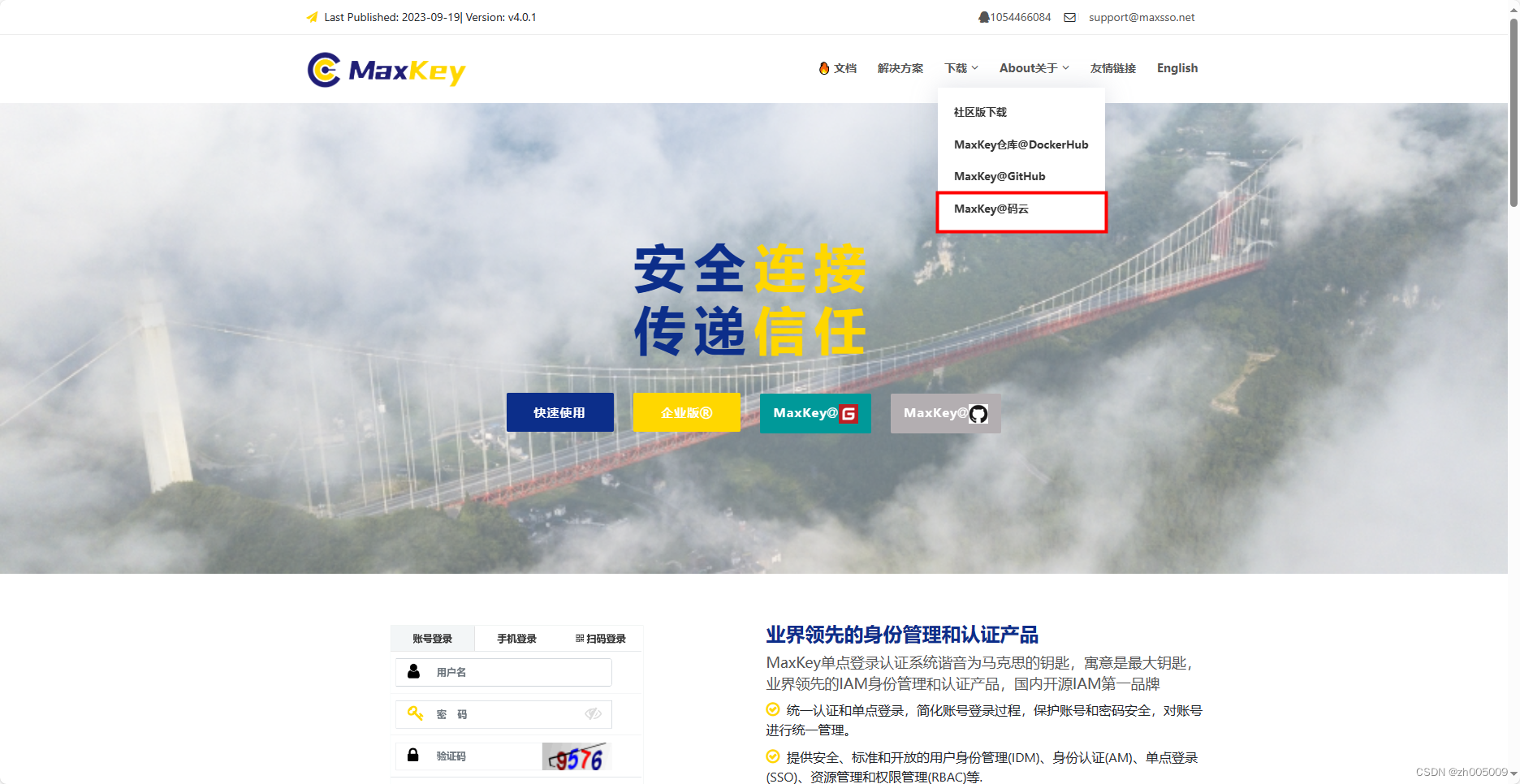
1.在maxkey官网拉代码
官网地址:MaxKey-业界领先的IAM身份管理和认证产品
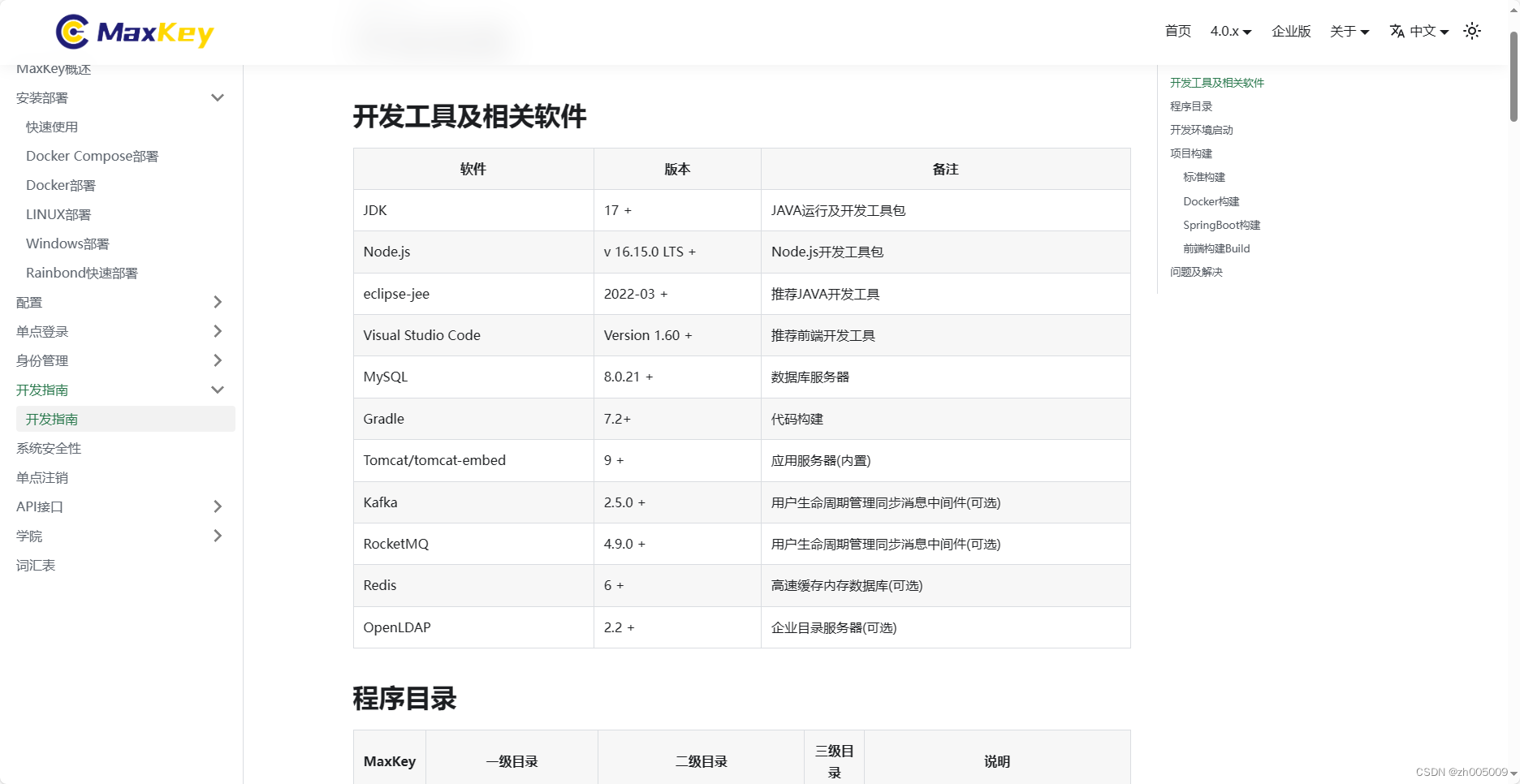
查看官方文档得知,使用JDK17,代码构建使用Gradle7.2+。
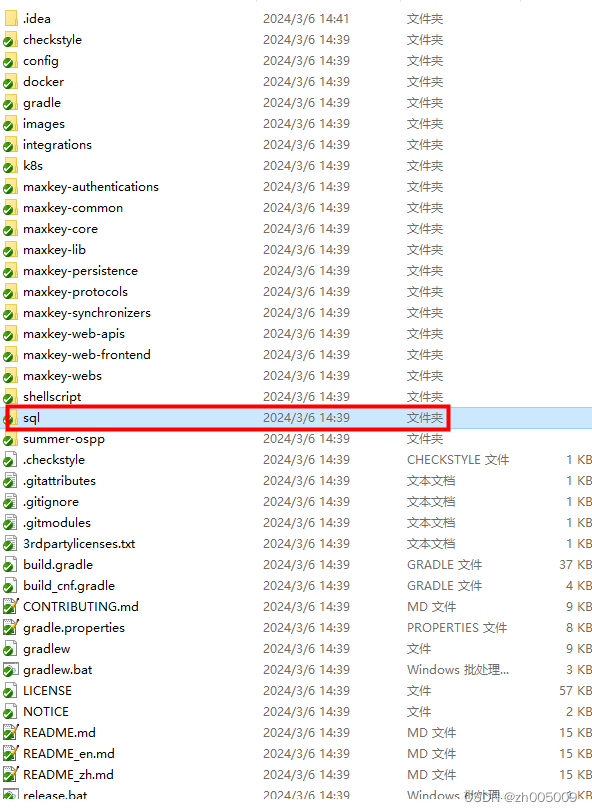
2.导入数据库,修改基本配置,启动后端

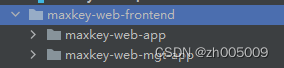
maxkey分为用户端和管理端,后端项目为

前端项目为
我们可以根据需要对源码进行修改
启动后端项目设置Gradle配置
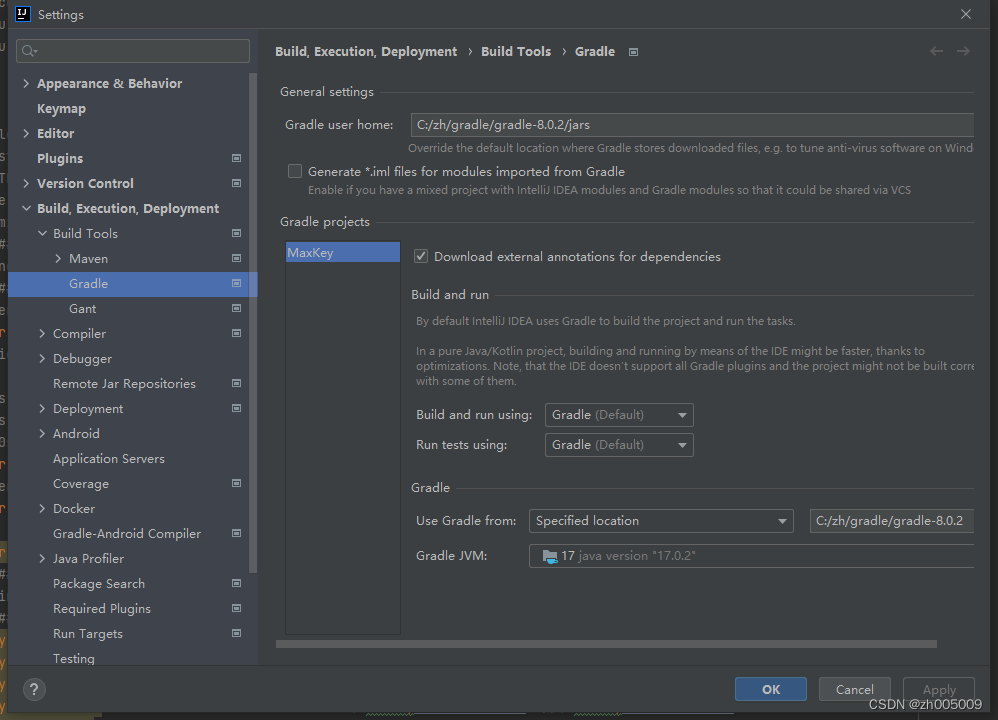
再修改对应的properties文件,即可成功启动后端项目(需要jdk17)
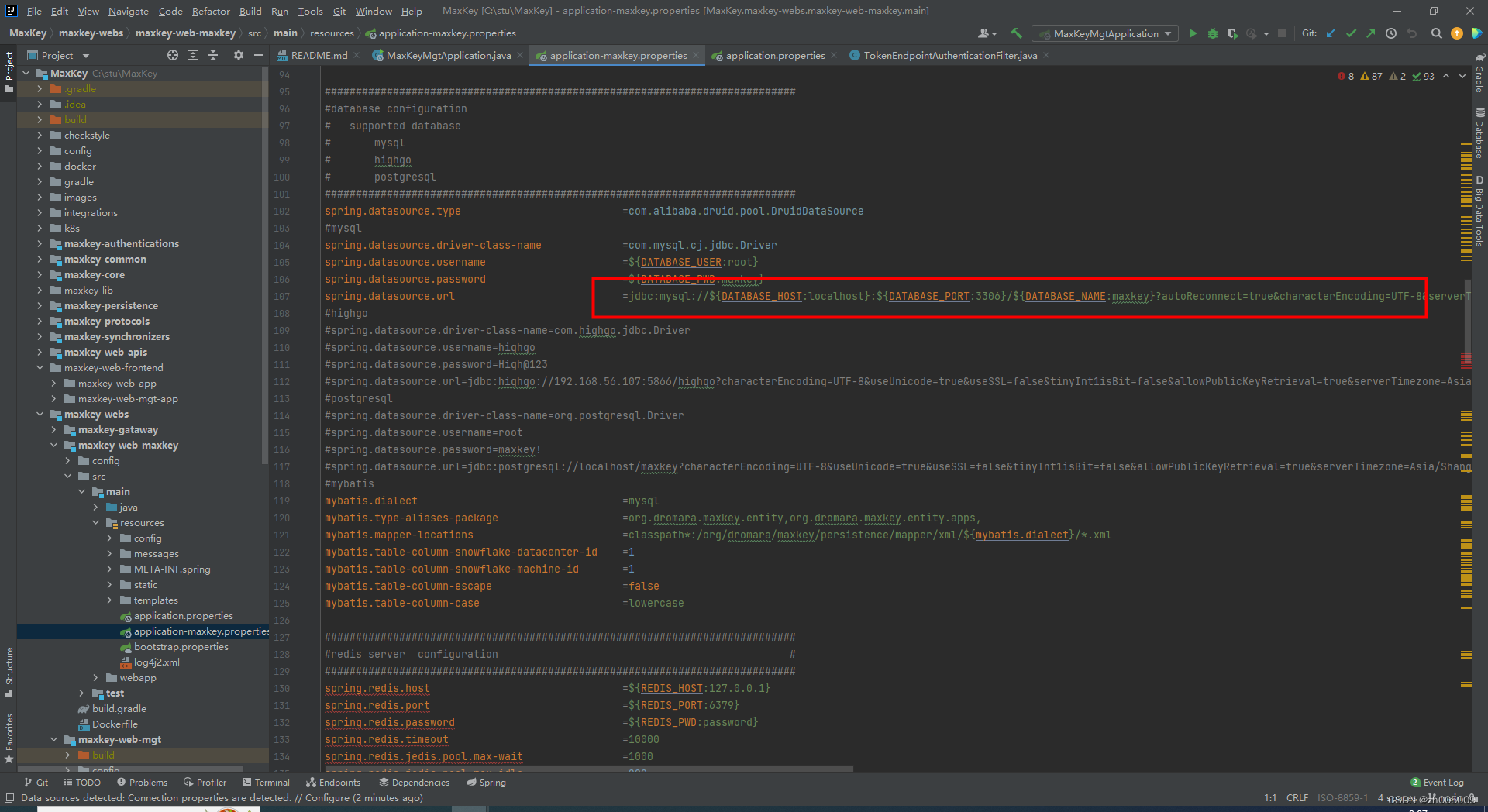
3.启动前端项目
使用npm install 命令
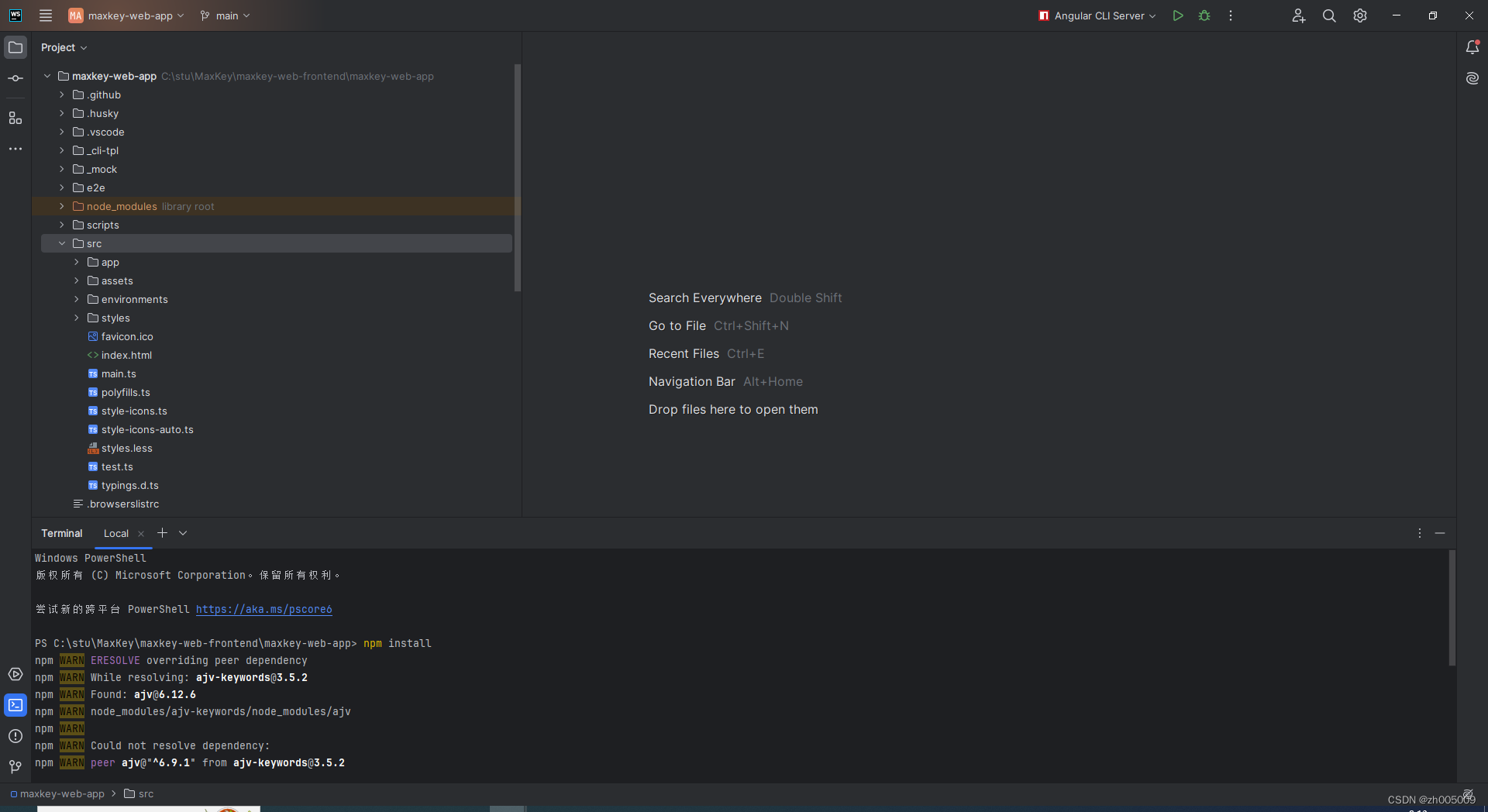
install成功后执行 npm run srart命令即可成功运行。
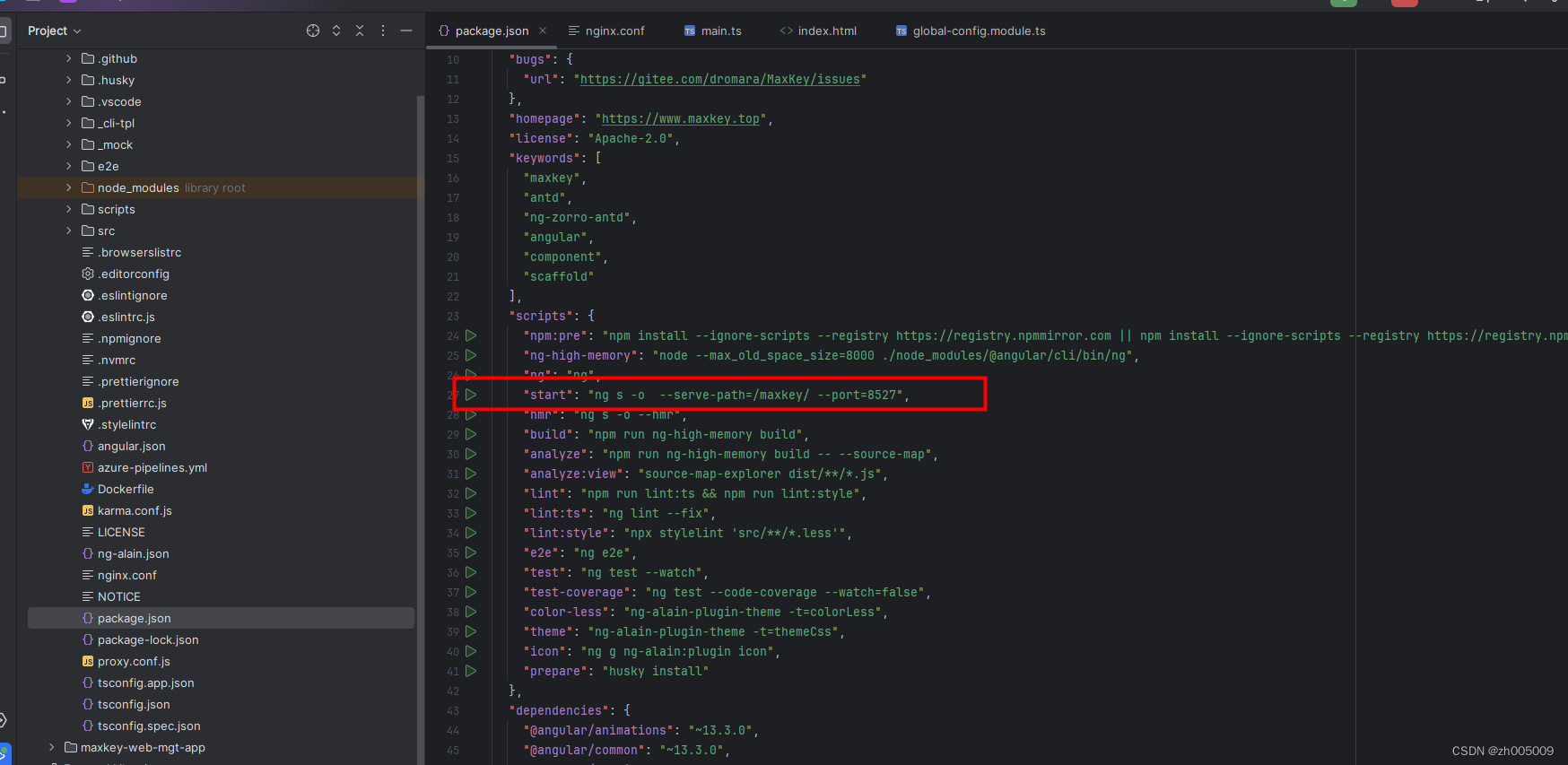
4.打包部署流程
正常启动后 打包部署流程就和其他项目一样了。
此项目需要在jdk17环境下运行。
nginx 配置参照官网例子配置就可以成功了(官网配置如下)
# For more information on configuration, see:
#   * Official English Documentation: http://nginx.org/en/docs/
#   * Official Russian Documentation: http://nginx.org/ru/docs/

#user maxkeyuser;
#worker_processes auto;
worker_processes  1;
#error_log ./logs/nginx/maxkey_proxy_error.log;
#pid       ./logs/nginx/maxkey_proxy_nginx.pid;

# Load dynamic modules. See /usr/share/doc/nginx/README.dynamic.
# include /usr/share/nginx/modules/*.conf;

events {
    worker_connections 1024;
}

http {
    log_format  main  '$remote_addr - $remote_user [$time_local] "$request" '
                      '$status $body_bytes_sent "$http_referer" '
                      '"$http_user_agent" "$http_x_forwarded_for"';

    #access_log  ./logs/nginx/maxkey_proxy_access.log  main;

    sendfile            on;
    tcp_nopush          on;
    tcp_nodelay         on;
    keepalive_timeout   65;
    types_hash_max_size 4096;

    #include             /etc/nginx/mime.types;
    default_type        application/octet-stream;

    # Load modular configuration files from the /etc/nginx/conf.d directory.
    # See http://nginx.org/en/docs/ngx_core_module.html#include
    # for more information.
    #include /etc/nginx/conf.d/*.conf;

    proxy_buffer_size 128k;
    proxy_buffers   32 128k;
    proxy_busy_buffers_size 128k;

    server {
        listen       80;
        listen       [::]:80;
        server_name  _;
        #root      html;

        proxy_set_header host $host; # 转发请求时将请求的域名一起转发

        location / {
            root   html;
            try_files $uri $uri/ /index.html;
        }

        #服务器集群路径
        #认证后端
        location /sign/ {
            proxy_pass http://localhost:9527/sign/;
        }

        #认证前端
        location /maxkey/ {
            proxy_pass http://localhost:8527/maxkey/;
        }

        #管理后端
        location /maxkey-mgt-api/ {
            proxy_pass http://localhost:9526/maxkey-mgt-api/;
        }

        #管理前端
        location /maxkey-mgt/ {
            proxy_pass http://localhost:8526/maxkey-mgt/;
        }

        # Load configuration files for the default server block.
        include /etc/nginx/default.d/*.conf;

        error_page 404 /404.html;
            location = /40x.html {
        }

        error_page 500 502 503 504 /50x.html;
            location = /50x.html {
        }
    }
本文转载自: https://blog.csdn.net/zh005009/article/details/136505311
版权归原作者 zh005009 所有, 如有侵权,请联系我们删除。
版权归原作者 zh005009 所有, 如有侵权,请联系我们删除。