
Intellij Idea VCS | 版本控制 - 知乎
IDEA项目上传到gitee仓库_idea上传代码到gitee_robin19712的博客-CSDN博客
git程序下载国内镜像地址:
https://registry.npmmirror.com/binary.html?path=git-for-windows/v2.42.0.windows.2/
解压后放到固定路径:
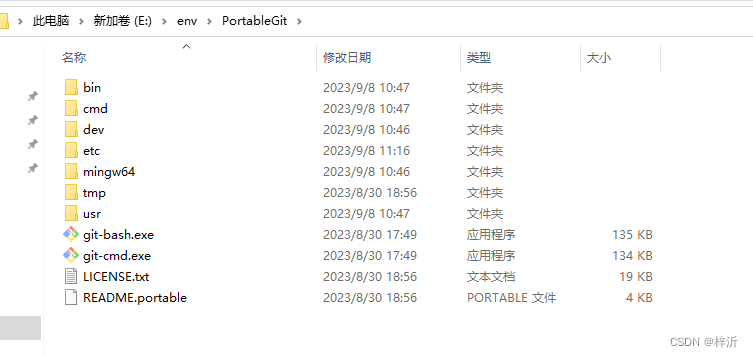
1.在idea文件->设置中配置git关联项:

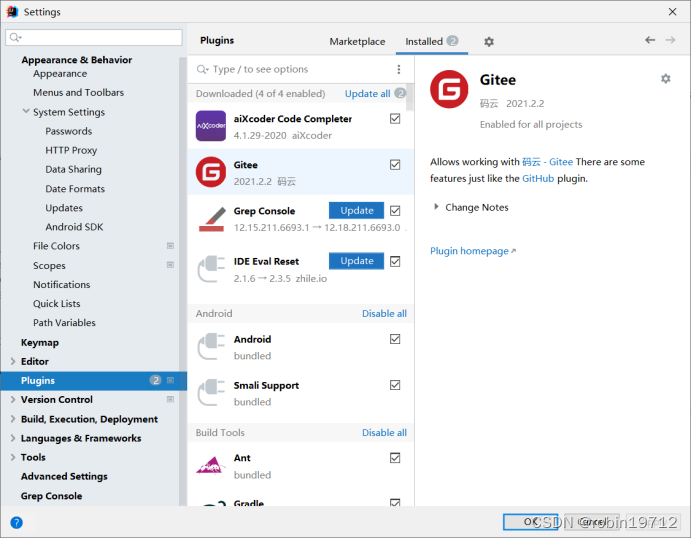
2.在Settings设置对话框中,安装Gitee插件。
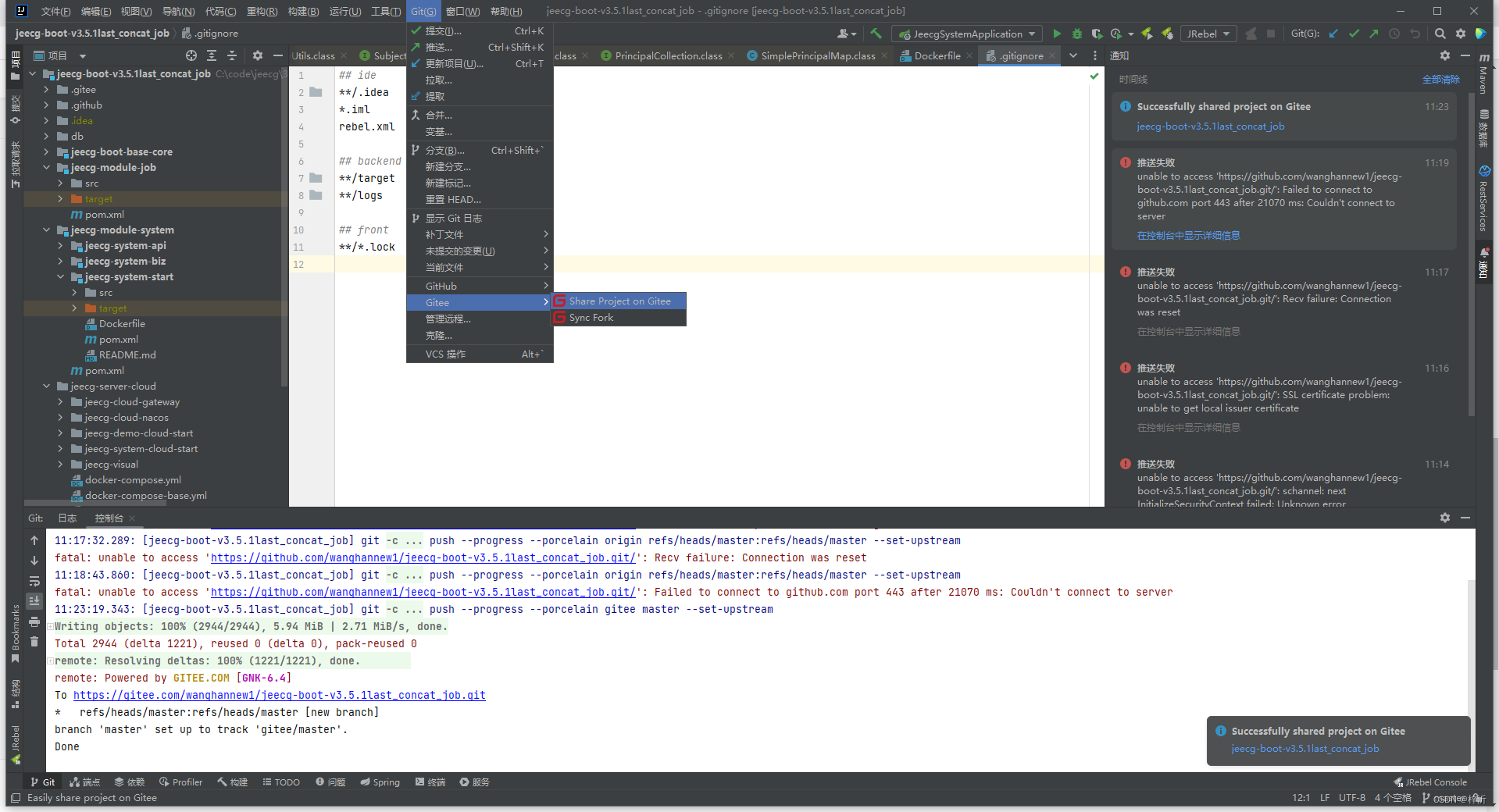
3.vcs菜单变成git菜单,先提交

4.再点share project on gitee
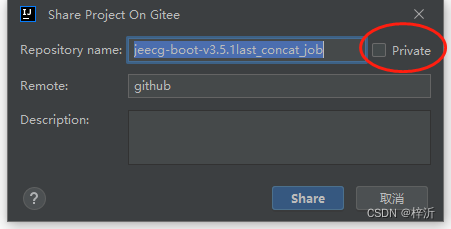
注意,不想公开的代码选择私有
以后再次提交代码时,选推送即可上传gitee
github也行,但是网不好总断
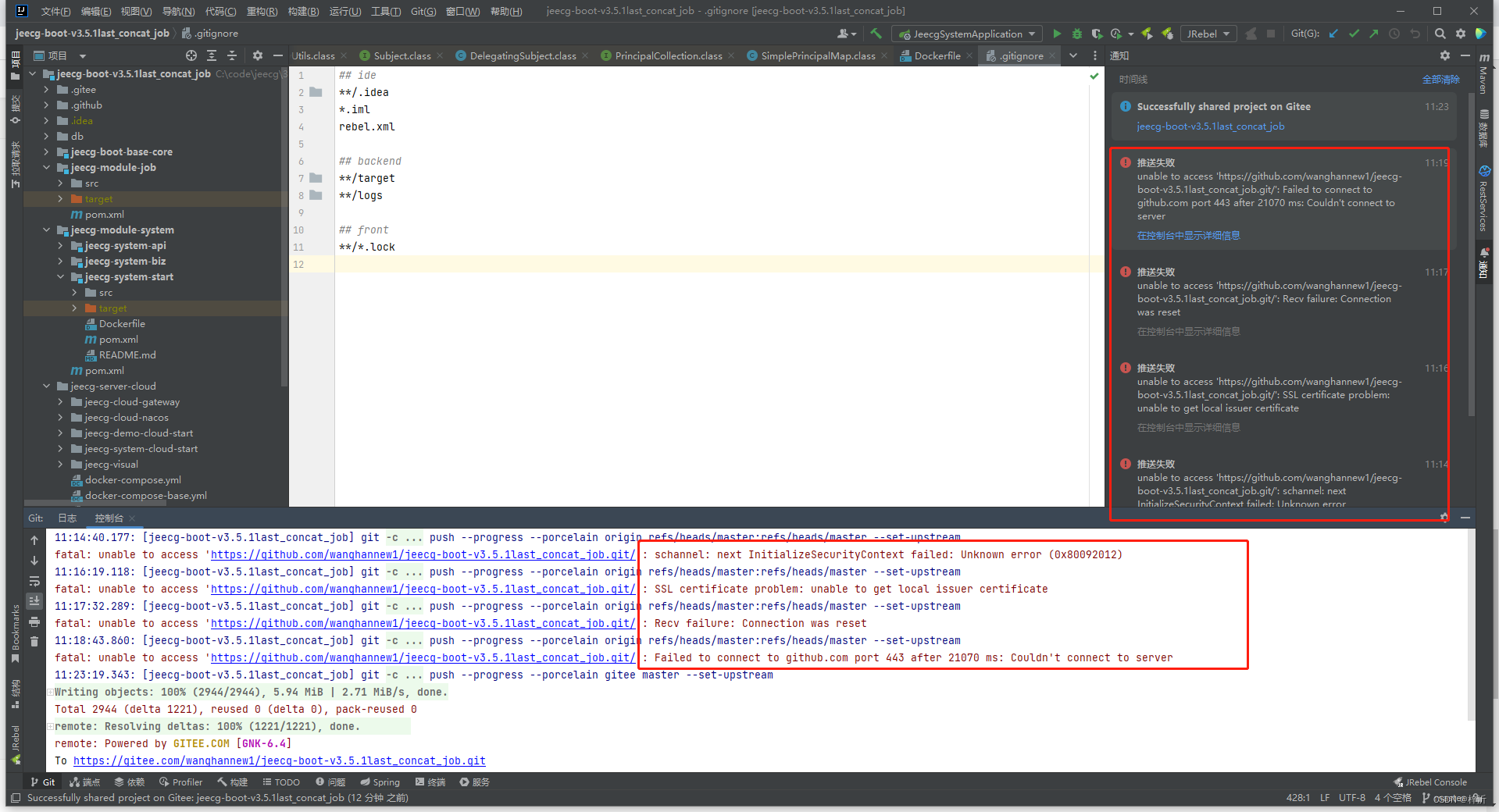
还得设置:
E:\env\PortableGit>git config --global user.email "[email protected]"

E:\env\PortableGit>git config --global user.name "[email protected]"

E:\env\PortableGit>git config --system http.sslbackend openssl
本文转载自: https://blog.csdn.net/qq_27361945/article/details/132756882
版权归原作者 梓沂 所有, 如有侵权,请联系我们删除。
版权归原作者 梓沂 所有, 如有侵权,请联系我们删除。