
文章目录
前言
自定义鼠标形状,自定义鼠标的动画,可以让我们的页面更加有设计感。
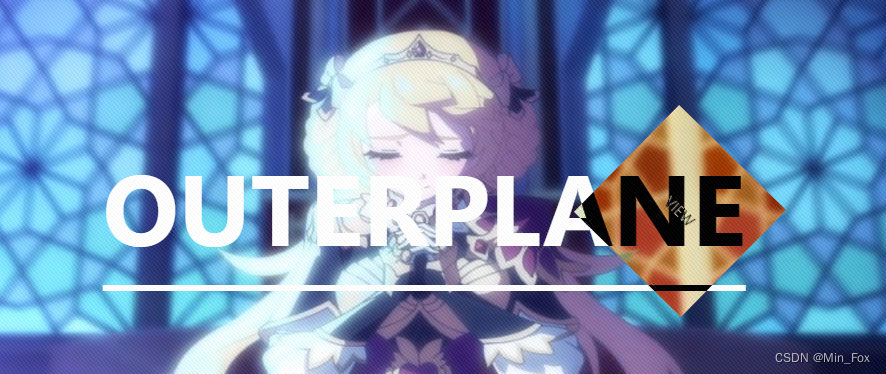
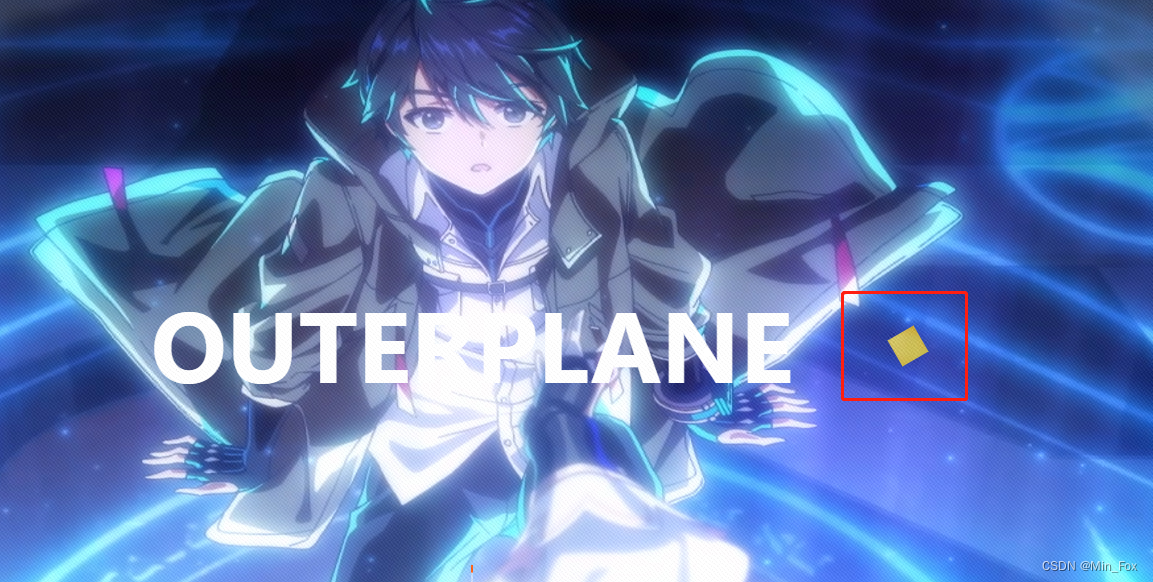
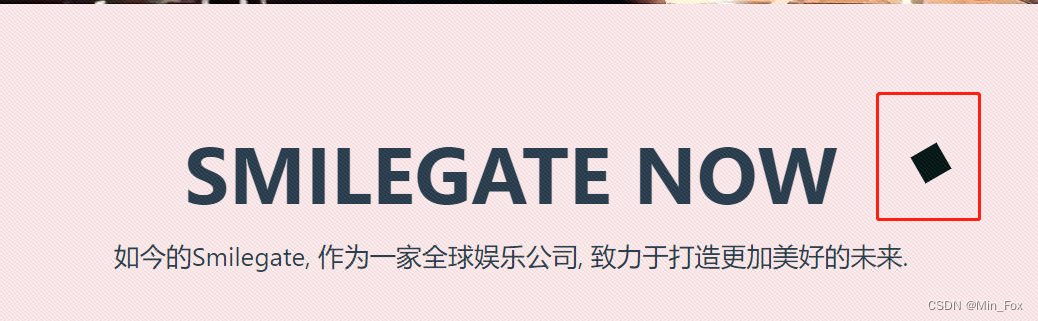
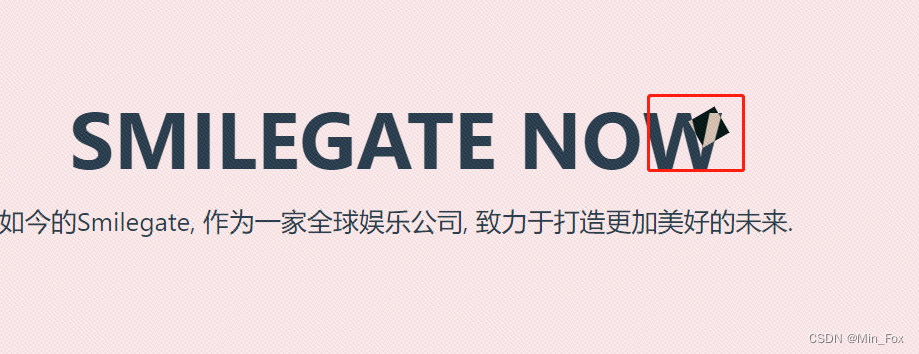
当前需求:吧鼠标自定义成一个正方形,鼠标的效果有:和页面的颜色做色差处理,例如当鼠标指到的颜色是白色,在鼠标的这块区域中显示的是黑色,另外,当鼠标指向特定区域时,正方形的鼠标放大三倍,并且以中心为圆点旋转。
一、效果图
鼠标放大之后的效果
鼠标没放大的效果
鼠标的色差
二、实现步骤
1. 去除原有鼠标样式
body{cursor: none;}
2. 自定义鼠标样式
代码如下(示例):
<divid="mouse"class="mouse"></div>
/* pointer-events: 取消它的鼠标事件,并指向它下面的元素。 *//* mix-blend-mode: 设置图片元素与父容器背景(黄色)进行混合 */.mouse{width: 30px;height: 30px;will-change: top, left;position: fixed;left: -200px;z-index: 10020;pointer-events: none;mix-blend-mode: difference;background-color: #fff;display: flex;align-items: center;justify-content: center;}/* 这是鼠标中的文字,可以不写 */.mouse-text::after{content:"VIEW";}
js如下
// 引用gsap做动画import gsap from'gsap';// 自定义鼠标样式functionsetMouse(){const mouse = document.querySelector('.mouse');
  window.addEventListener('mousemove',function(event){
    mouse.style.left = event.clientX - mouse.offsetWidth/2+'px';
    mouse.style.top = event.clientY - mouse.offsetHeight/2+'px';})
  gsap.to("#mouse",{rotation:-30,});}// 鼠标动画(放大,旋转)var mouseTl;functionsetMouseChange1(){
  mouseTl = gsap.timeline();
  mouseTl.to("#mouse",{duration:.2,width:"150px",height:"150px"});
  mouseTl.fromTo("#mouse",{rotation:-30,},{duration:7,repeat:-1,rotation:330,ease:"none",});const mouseDiv = document.getElementById("mouse");
  mouseDiv.setAttribute("class","mouse mouse-text");}// (缩小,旋转到原位)functionsetMouseChange2(){
  mouseTl.pause(0);const mouseDiv = document.getElementById("mouse");
  mouseDiv.setAttribute("class","mouse");}
3. 使用
代码如下(示例):
<div@mouseenter="bannerTextEnter"@mouseleave="bannerTextLeave">ANIMATION!</div>
// 鼠标移动到banner文字事件functionbannerTextEnter(){setMouseChange1();}functionbannerTextLeave(){setMouseChange2()}
总结
以上就是自定义鼠标样式,自定义鼠标动画的全部了,如有疑问,请评论区留言。
标签:
javascript
本文转载自: https://blog.csdn.net/Min_Fox/article/details/135296883
版权归原作者 Min_Fox 所有, 如有侵权,请联系我们删除。
版权归原作者 Min_Fox 所有, 如有侵权,请联系我们删除。