
Wicket是一个Java Web框架,类似于ASP.NET。其特点在于对 Html 和代码进行了有效的分离(有利于程序员和美工的合作),基于规则的配置(减少了 XML 等配置文件的使用),学习曲线较低(开发方式与 C/S相似),更加易于调试(错误类型比较少,而且容易定位)。如果你对微软并不反感,可以把它看作 Java 平台上的 ASP.NET。
GeoServer使用了Wicket。
使用Wicket开发第一个程序:https://github.com/apache/netbeans-website/blob/master/netbeans.apache.org/src/content/kb/docs/web/quickstart-webapps-wicket_zh_CN.asciidoc
官方例子代码GitHub地址:
https://github.com/bitstorm/Wicket-tutorial-examples
Wicket中文开发指南:https://max.book118.com/html/2018/1105/8007030130001131.shtm
Wicket Github:https://github.com/apache/wicket
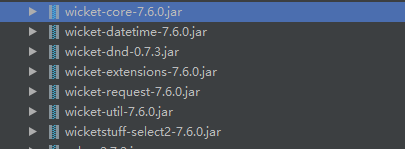
Wicket已经被Apache托管了
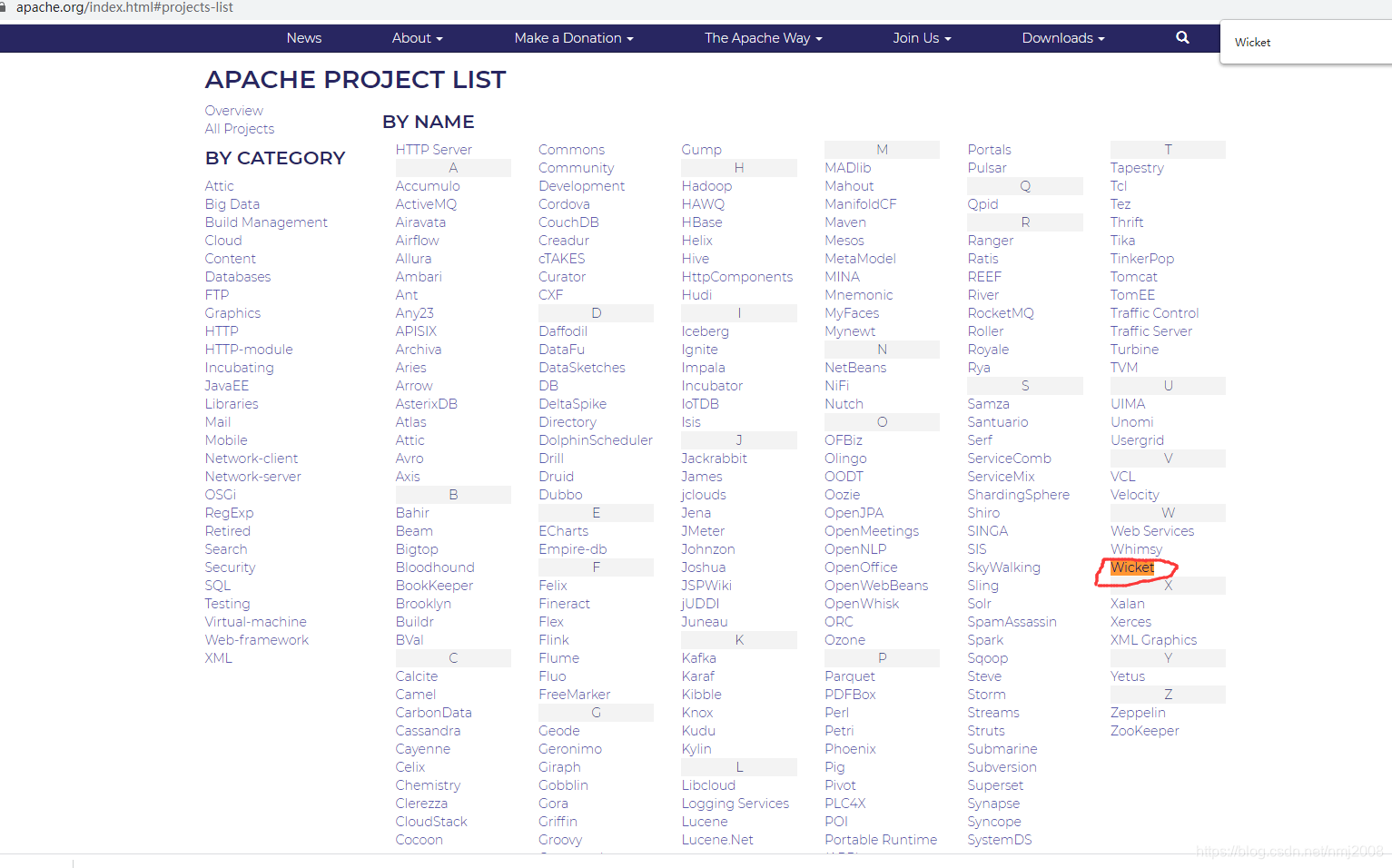
https://apache.org/index.html#projects-list
Quick Start快速上手指南
Create a Wicket Quickstart
With the quickstart you’ll be up and running in seconds
Use the following wizard to generate a Quick Start Project using Maven. Paste the generated command line into a shell (DOS prompt or unix shell) and create a project with Wicket in a jiffy.
Before you start
The Quick Start Wizard uses Apache Maven to make it really fast to get started. You should have Maven installed and working before you can use the Quick Start wizard.
5 small steps to a web application
Use the following steps to quickly generate a project to get you started:
- Fill in the Maven coordinates for your project in the wizard and select the appropriate Wicket version
- Copy the generated commandline to your clipboard and paste it in a terminal (or a DOS box)
- Open the project in your IDE of choice
- Start the
Startclass in the src/test/java folder - Open your browser to http://localhost:8080
And you’re done!
Quick Start Wizard
Fill in your project details in the wizard below and copy the generated command line to your clipboard.
Group ID
Artifact ID
Wicket Version 9.4.0-SNAPSHOT 8.13.0-SNAPSHOT 7.19.0-SNAPSHOT 6.31.0-SNAPSHOT 1.5-SNAPSHOT 9.3.0 8.12.0 7.18.0 1.4.23 1.5.16 6.30.0
Server to deploy on Any but Wild Fly Wild Fly (JBoss 8.x)
generated command line
With the generated command line on your clipboard open up a terminal window (or DOS box) and navigate to where you want the project to be generated (e.g. for Eclipse users this would be your workspace folder). Paste the command line into your terminal window and press «enter» to execute the command.
Result of the Maven command
Executing the Maven command line will result the following directory structure:
.\myproject
    |   pom.xml
    |
    \---src
        +---main
        |   +---java
        |   |   \---com
        |   |       \---mycompany
        |   |               HomePage.html
        |   |               HomePage.java
        |   |               WicketApplication.java
        |   |
        |   +---resources
        |   |       log4j.properties
        |   |
        |   \---webapp
        |       \---WEB-INF
        |               web.xml
        |
        \---test
            \---java
                \---com
                    \---mycompany
                            Start.java
It might be different depending on your settings (and version of Wicket), but this is basically the standard layout for web projects.
Import the Quick Start in your IDE
The Wicket Quick Start uses Apache Maven to make it really fast to get started. You should have Maven installed and working before you can use the Quick Start wizard.
Eclipse
Eclipse has native support for Maven projects. To import the project you select “Import existing Maven project” from the File menu, and select the folder of your generated Quick Start project.
IntelliJ IDEA
IntelliJ IDEA has native support for Maven projects. You just point the open project dialog to the place where you generated the Quick Start project and open the pom.xml file. IDEA will then open the project as any other Java project.
Netbeans
Netbeans has native support for Maven projects. You just point the open project dialog to the place where you generated the Quick Start project and open the pom.xml file. Netbeans will then open the project as any other Java project.
一、新建Wicket开始工程

二、使用Maven打开wicket-start创建的工程目录下的pom.xml


From here you can start hacking away at your application and wow your clients:
从这里开始你可以着力于你的应用程序,让你的客户惊叹:
- work through some examples 浏览一些例子
- read some books 读一些书
A Quick Tour of Wicket
Nothing says more about a development technology than a few simple examples. After all, how hard should it be to do something easy? The examples below should speak for themselves in demonstrating how easy it is to get things done in Wicket when compared to other frameworks. You will discover that Wicket’s component-oriented structure and its “low touch” approach to HTML is quite inviting.
没有什么比几个简单的例子更有说服力。毕竟,要做到如此轻松要有多难?下面的这些例子说明了在Wicket中做到这些事情有多么容易,尤其是对比其他的框架的话。你将会发现Wicket面向组件的结构以及与HTML低耦合是多么的诱人。
For beginners
Wicket comes with a collection of examples meant to help you understand the basic concepts of the framework. They are particularly helpful if you are new to Wicket and you are reading our User Guide. You can see these examples and many more in live action (available also for version 8.x, 7.x and 6.x) without having to install anything.
The following list contains a full description for some of these examples:
- Hello World! - Everybody’s favorite example
- Navomatic - Automatic navigation using Borders and Links
- GuestBook - A tiny blogger demonstrating ListViews and Forms
- Using DropDownChoice - A short example explaining the DropDownChoice component
- Markup Inheritance - A short example explaining markup inheritance
- Ajax Counter - A short example explaining Wicket’s Ajax features building a counter.
- Using Fragments - A short example explaining Wicket’s fragments feature. Fragments are a type of inline panels.
- Servlet 3.x with Spring Framework - An example to show the configuration of Wicket and Spring Framework without any XML definitions.
Wicket-Bootstrap project
Wicket-Bootstrap is a full-fledged project that provides integration between Wicket and the popular CSS and JS framework. The project site offers a complete showcase of the available features.
Wicket JQuery-UI integration
Wicket JQuery-UI integration provides full integration between Wicket and JQuery UI with many great-looking widgets ready to be used in your application.
版权归原作者 nmj2008 所有, 如有侵权,请联系我们删除。