
使用VPN后 git clone 命令无法下载项目
偶发使用 vpn 后 git clone 项目会卡住,或者报 timeout 错误
当我使用
ping github.com
是可以ping通的,但是 clone 项目就会卡住。去搜了一番发现:
git 工具在使用代理后需要设置 git https.proxy 属性来添加代理端口
查看 https.proxy 属性
如何查看自己是否设置了 https.proxy 属性
# get https.proxy property in the global configrationgit config --global--get https.proxy

# show the all configgit config --list
查看代理使用的端口
这里以ClashX为例,打开配置文件,找到 http 的代理端口
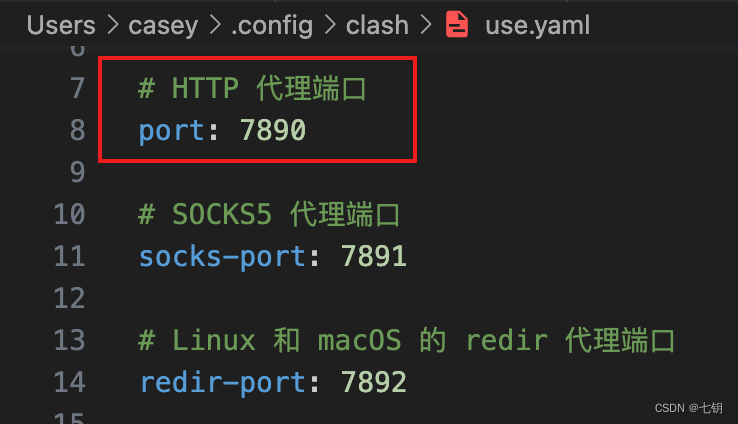
设置 https.proxy 属性
设置全局代理属性
# set gloabl https.proxy propertygit config --global https.proxy '127.0.0.1:7890'
标签:
git
本文转载自: https://blog.csdn.net/Newbie___/article/details/132260524
版权归原作者 七钥 所有, 如有侵权,请联系我们删除。
版权归原作者 七钥 所有, 如有侵权,请联系我们删除。